
ClawX
Using ClawX with Fast-Token
Setup steps
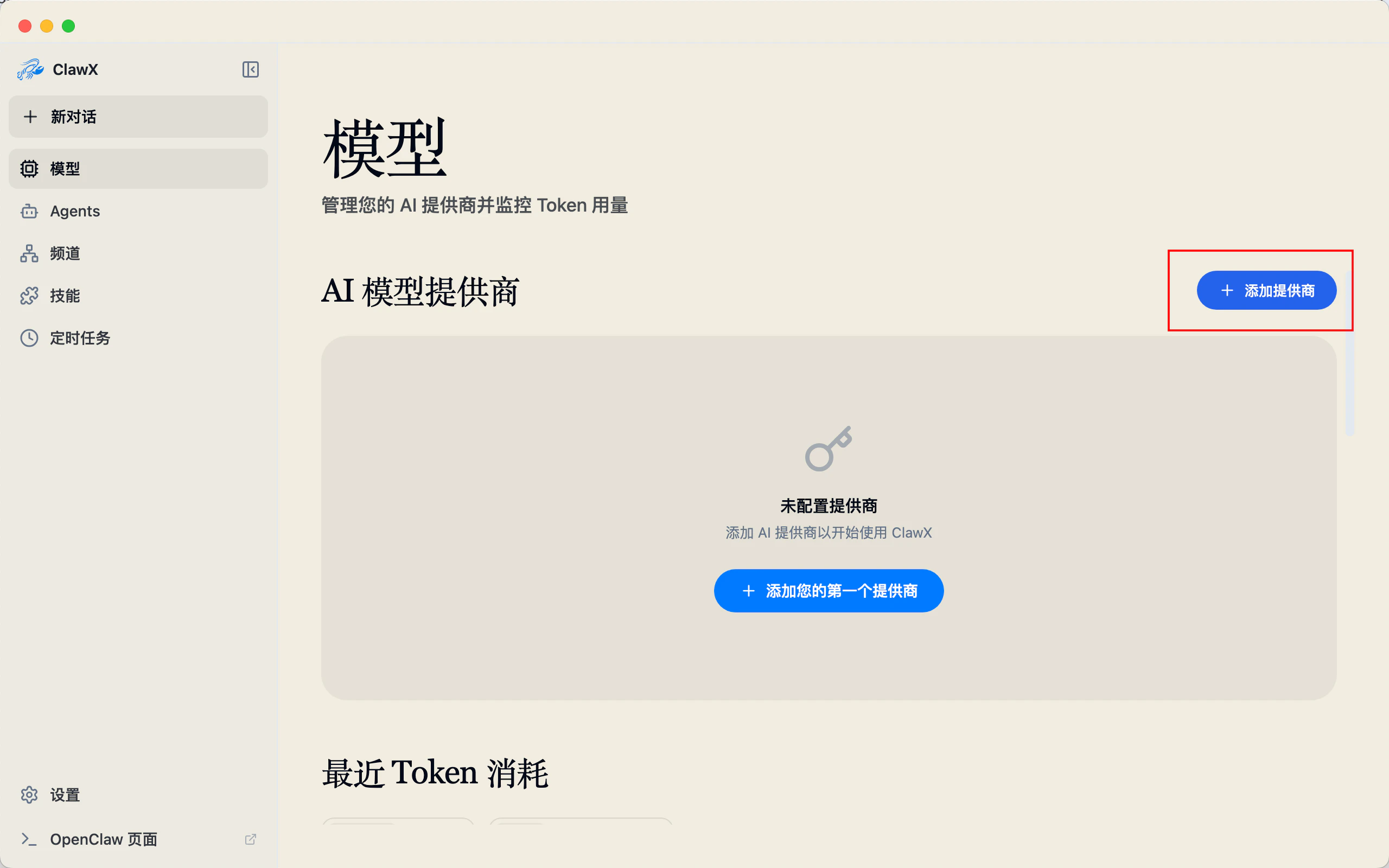
- Open ClawX, then click Models > Add provider
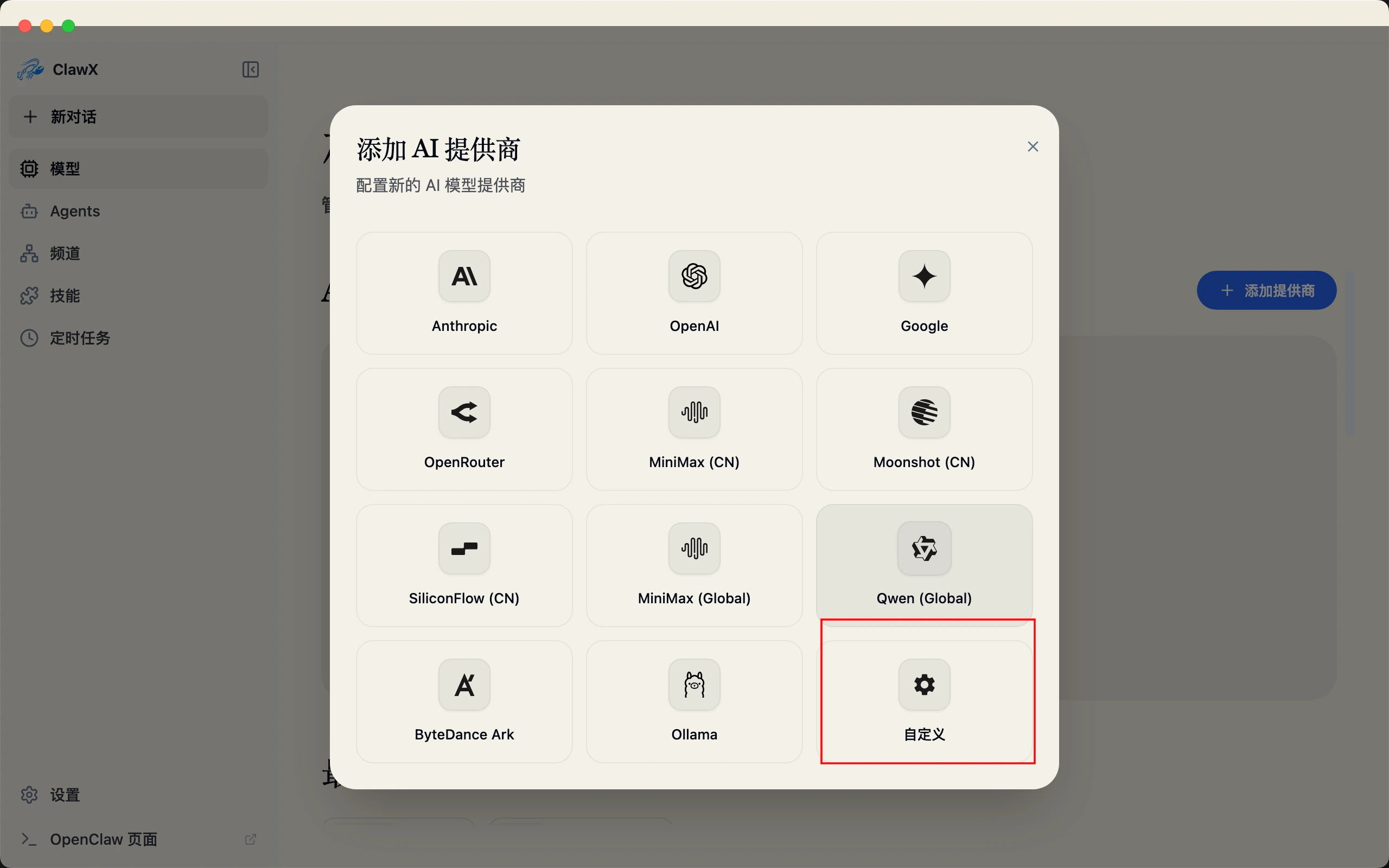
- Select Custom
- Enter your API Key and Base URL (get the API Key from the Fast-Token platform; set Base URL to
https://fast-token.com/v1)
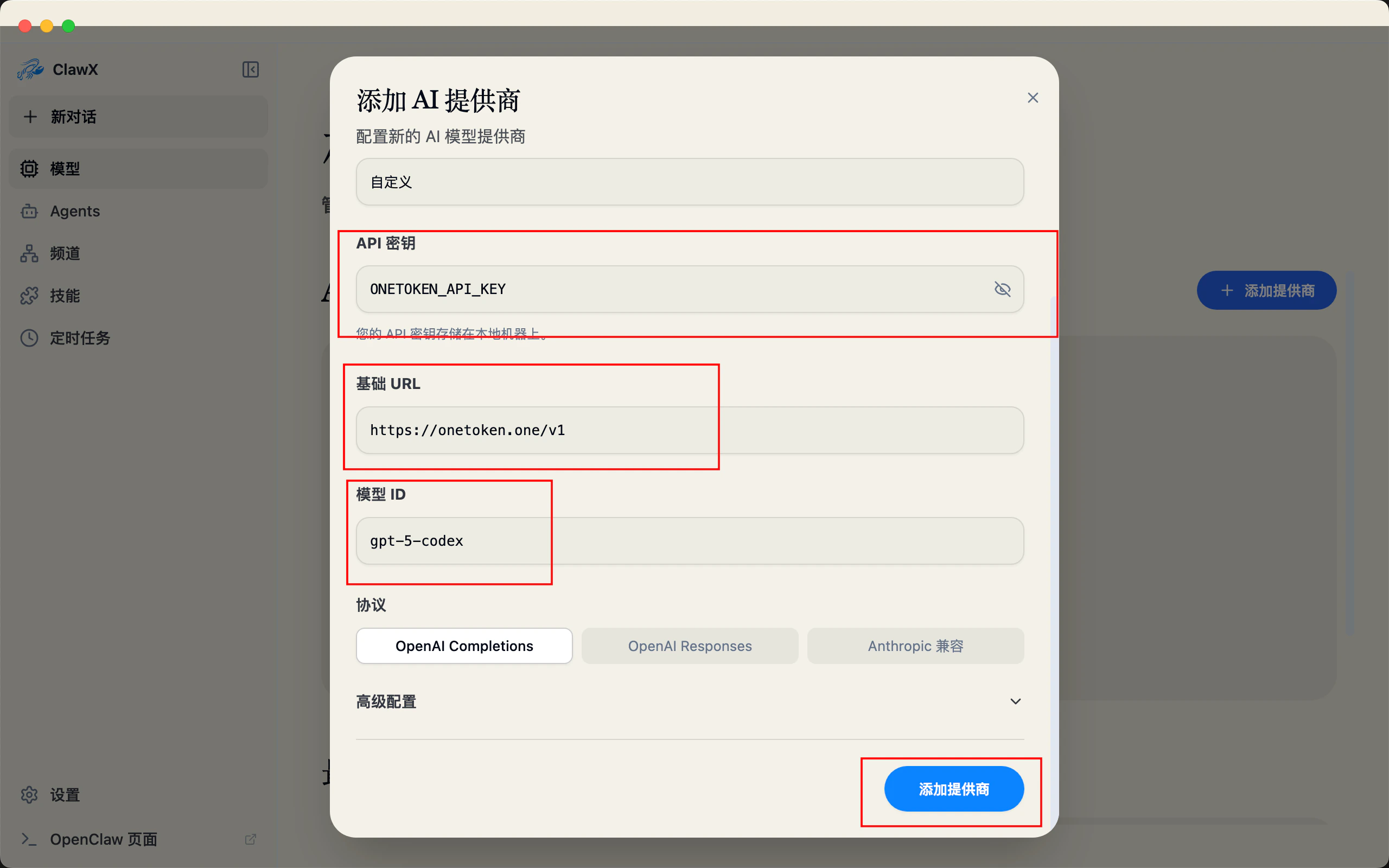
- Click Add to start using it