RikkaHub Configuration Guide
Using RikkaHub with Fast-Token
Currently supported on Android mobile only. Official download: https://rikka-ai.com/
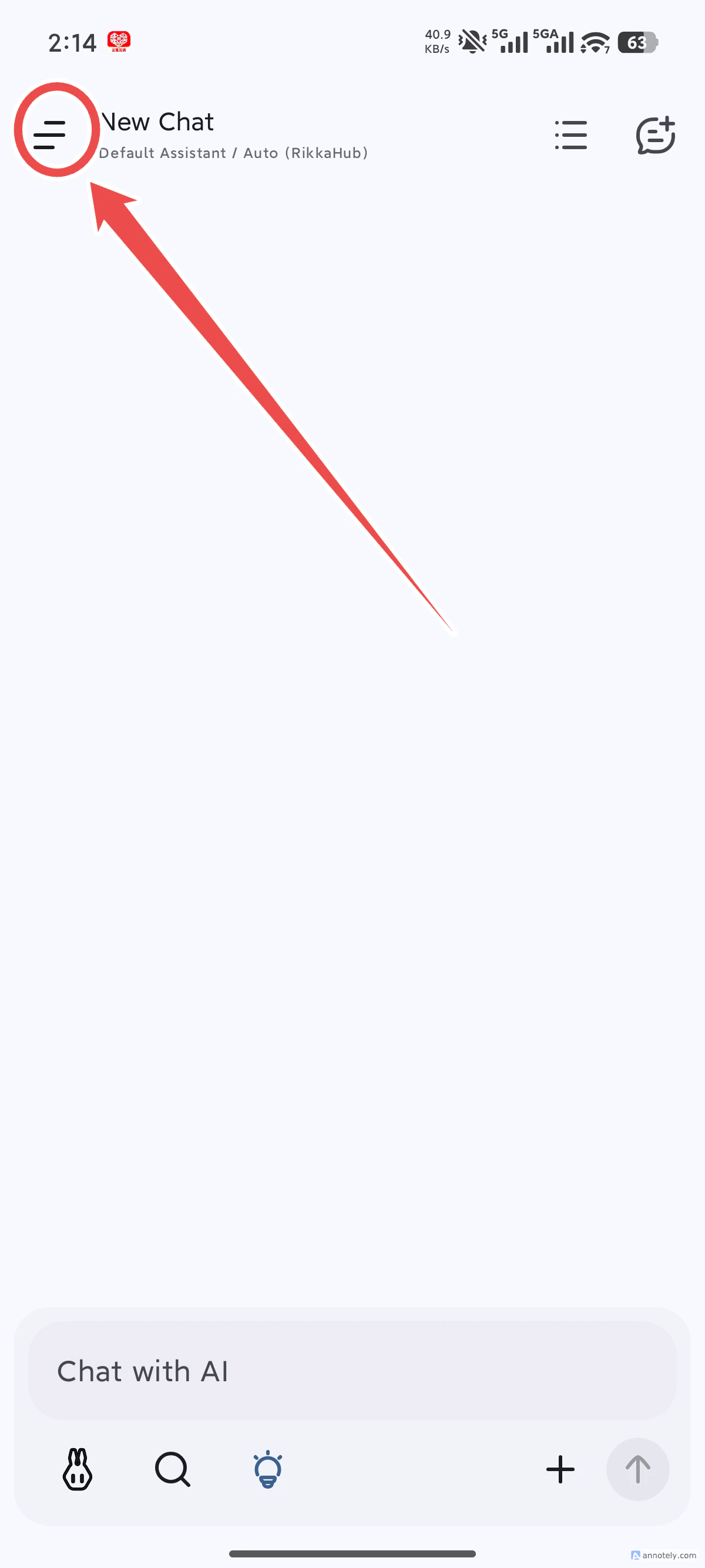
- After installation, open the app home screen and tap the image in the top-left corner
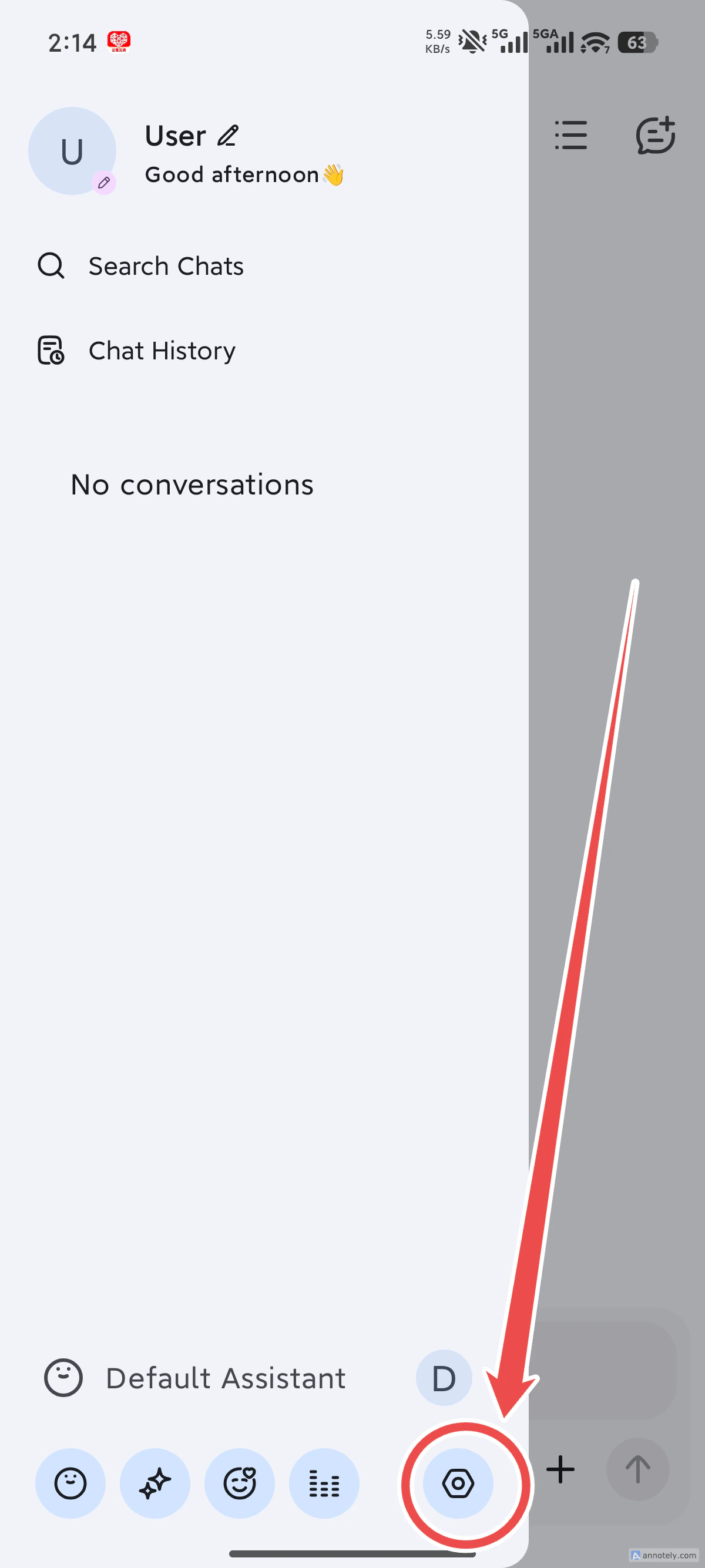
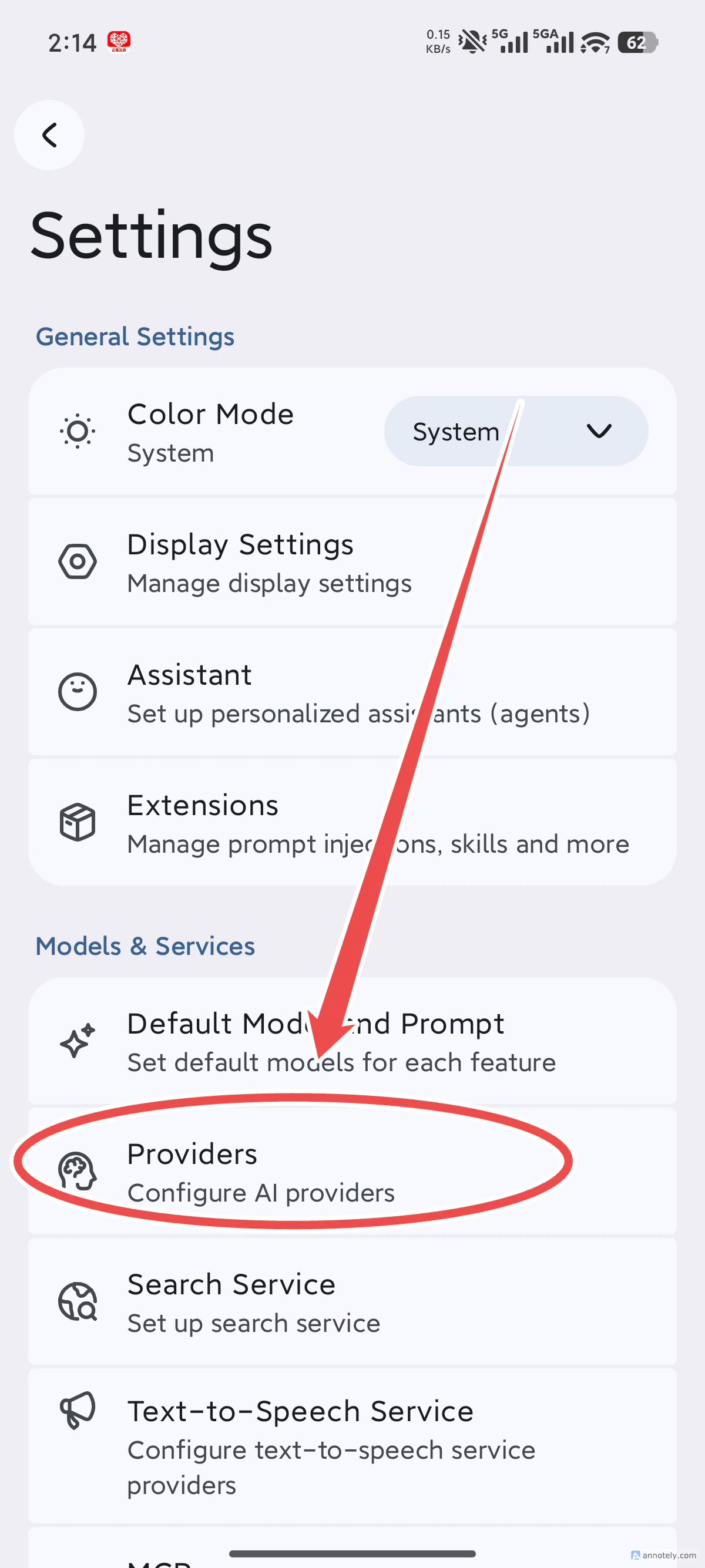
- Tap the settings icon
- Tap Provider
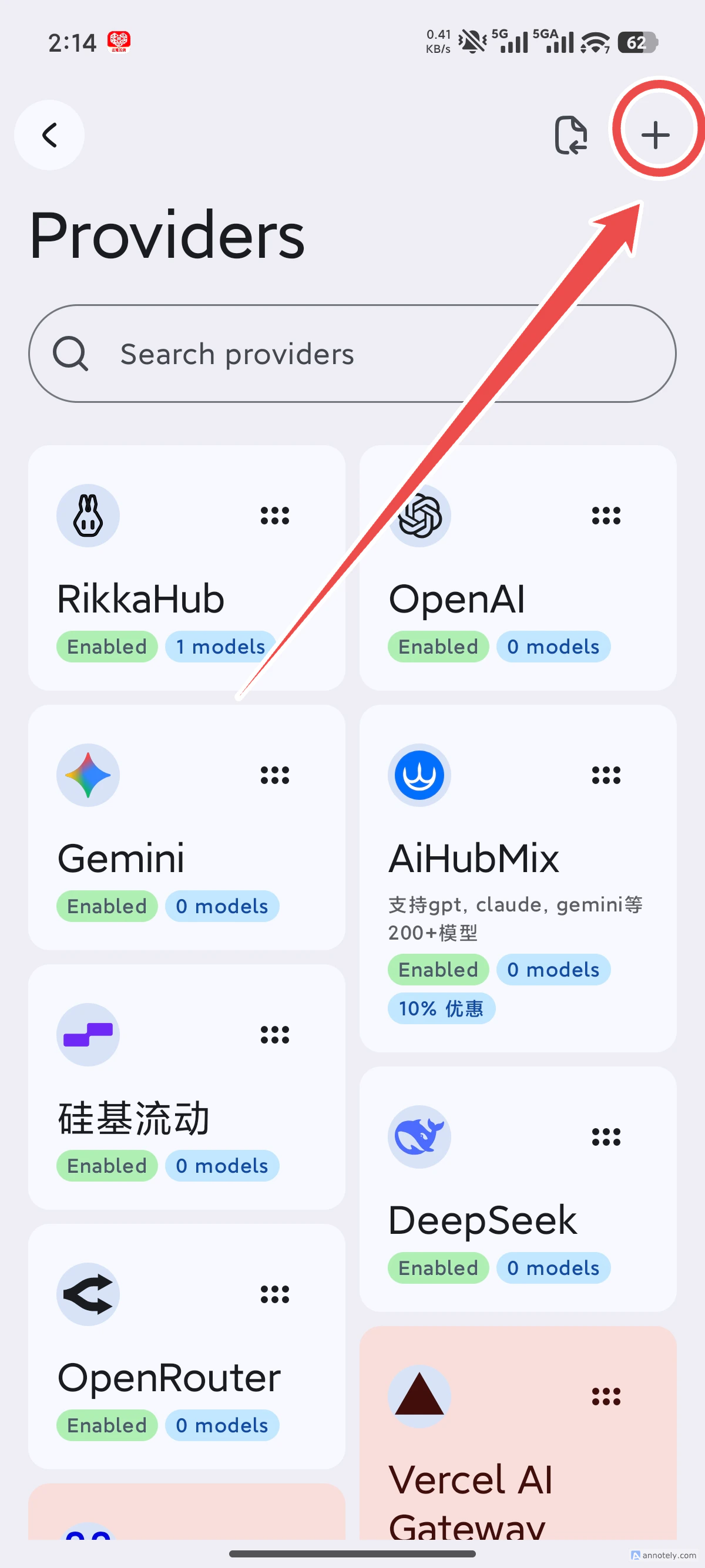
- Tap the plus icon in the top-right corner to add a provider
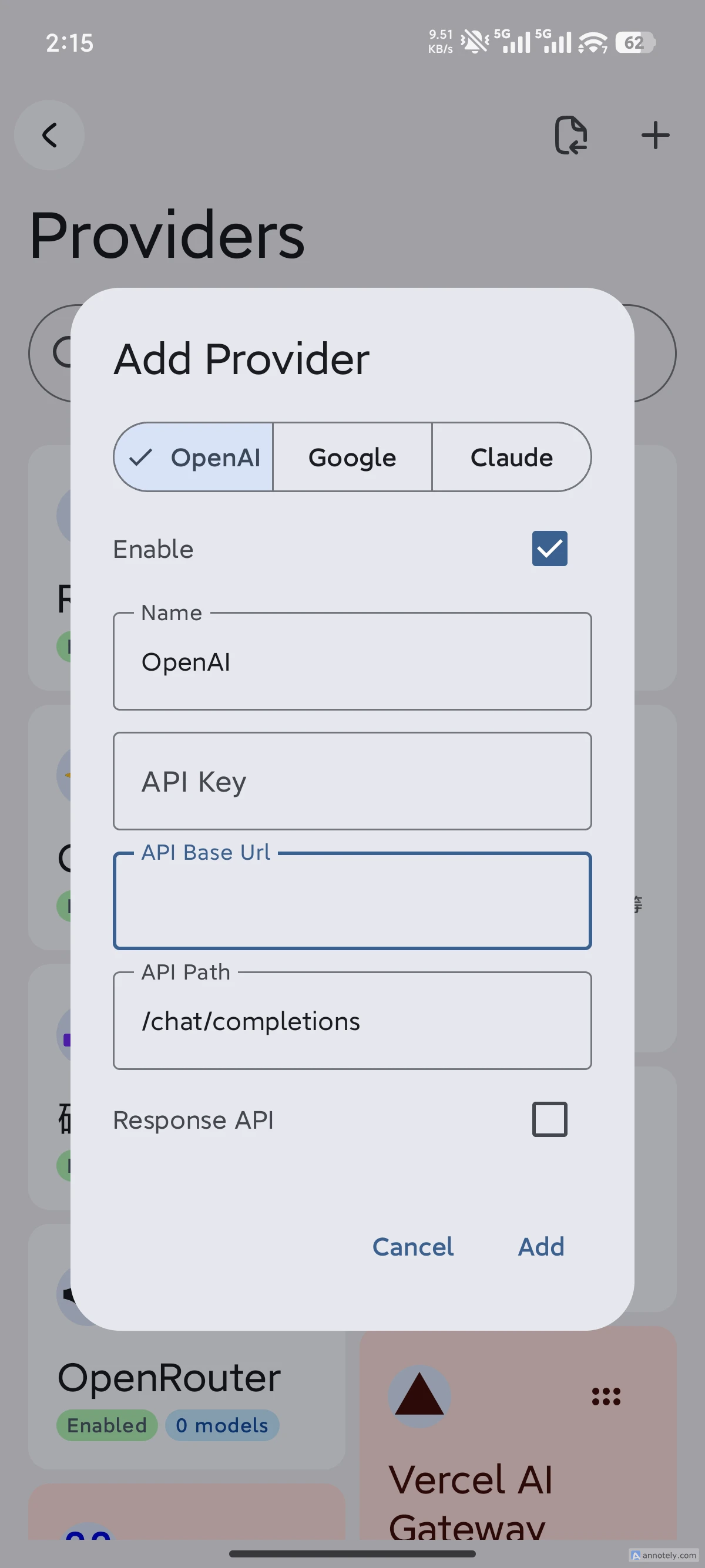
- In the add dialog, enter
api_keyandbase_url
- Set
base_urltohttps://fast-token.com/v1 api_key: obtain from the Fast-Token platform
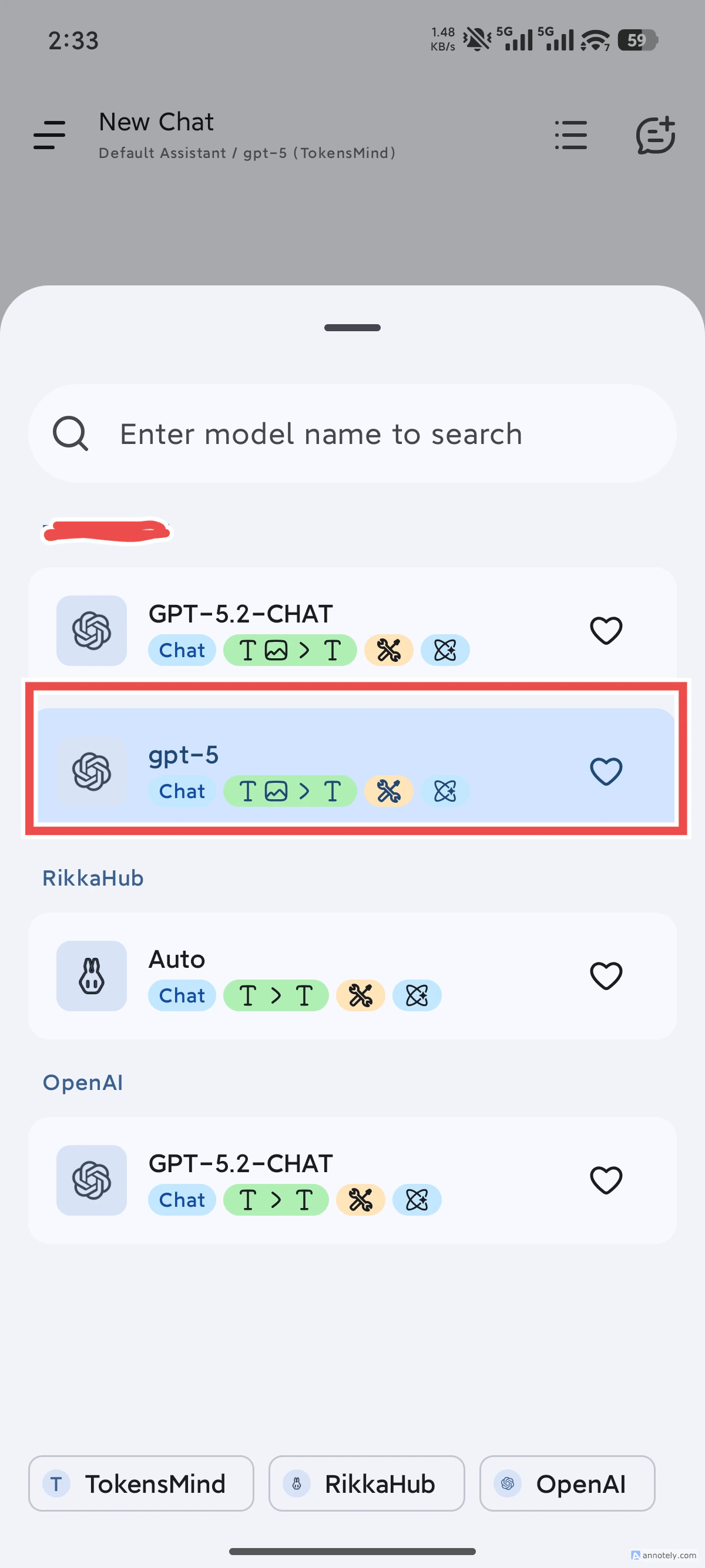
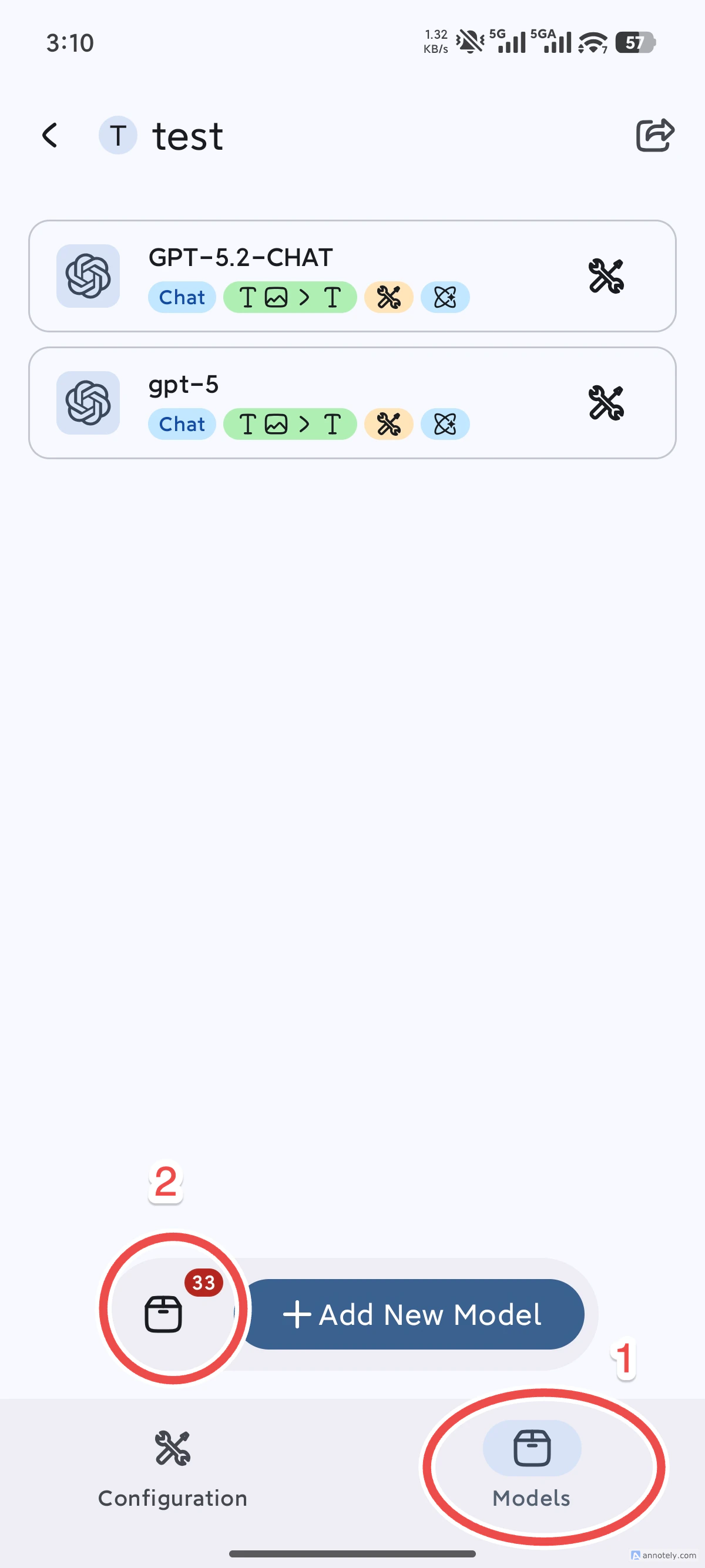
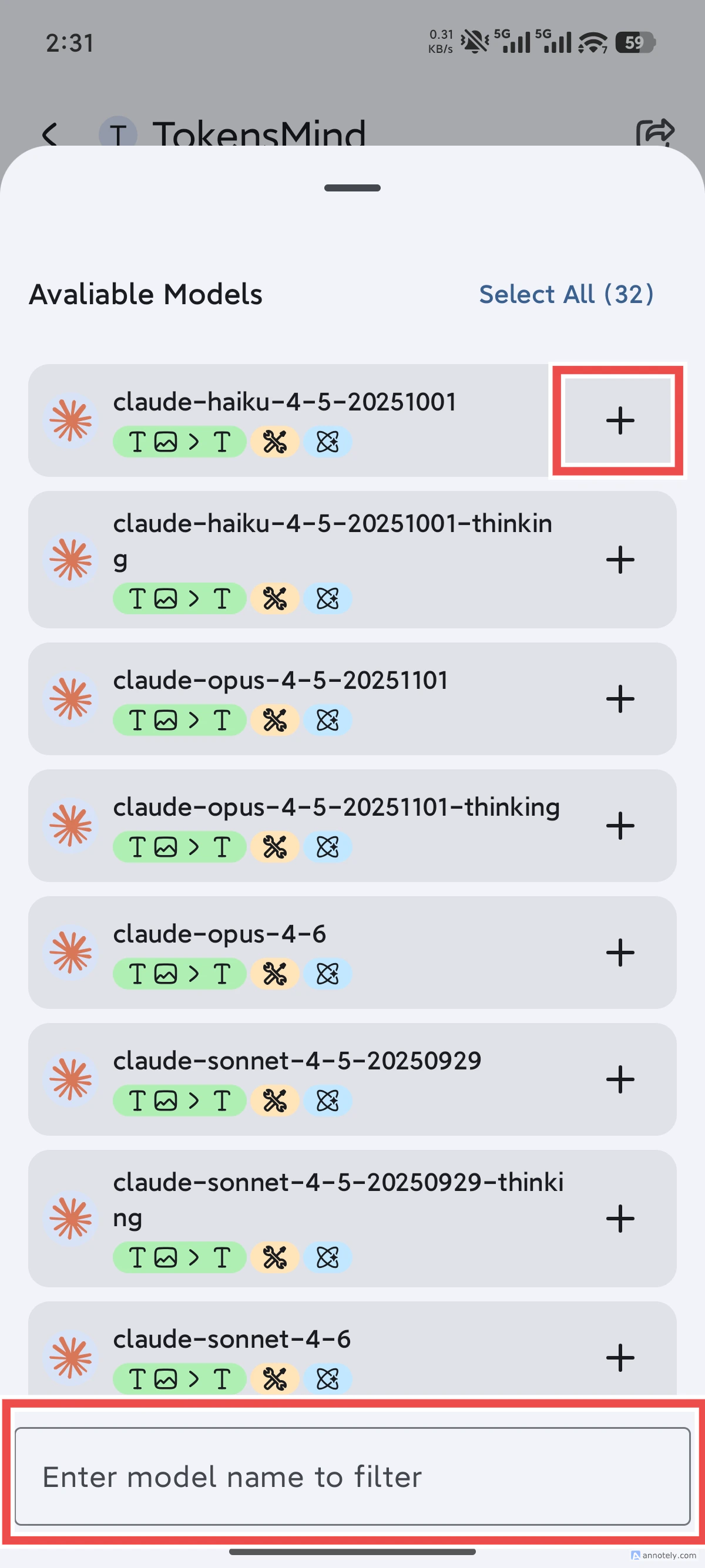
- After adding the provider successfully, tap the provider you just added, then tap the model below, open the model list (it may not load immediately due to network conditions—try again if needed), and select the model you want
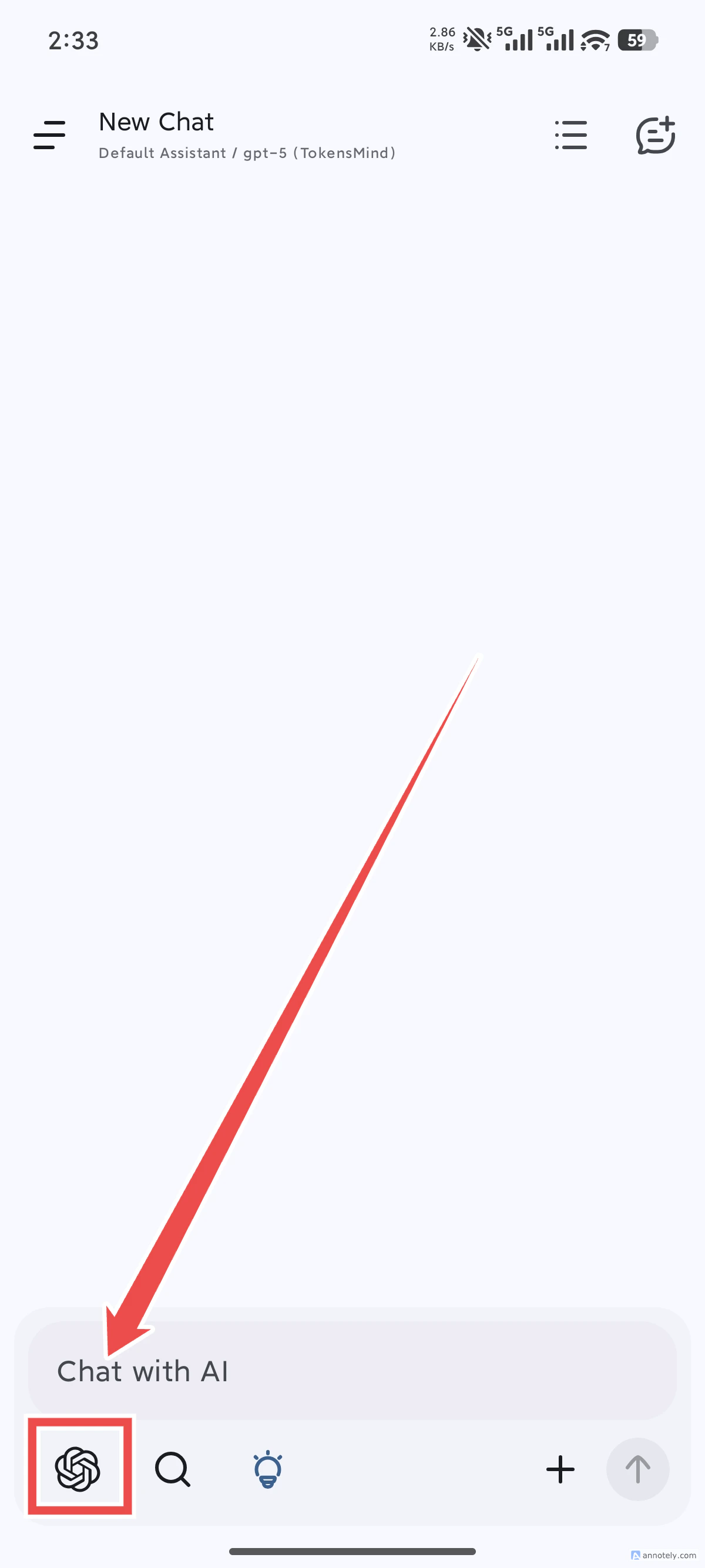
- Return to the home screen, tap the model icon, and select the model you just added to start using it