Claude Desktop
Using Claude Desktop with Fast-Token
Stay signed out (or sign out first)
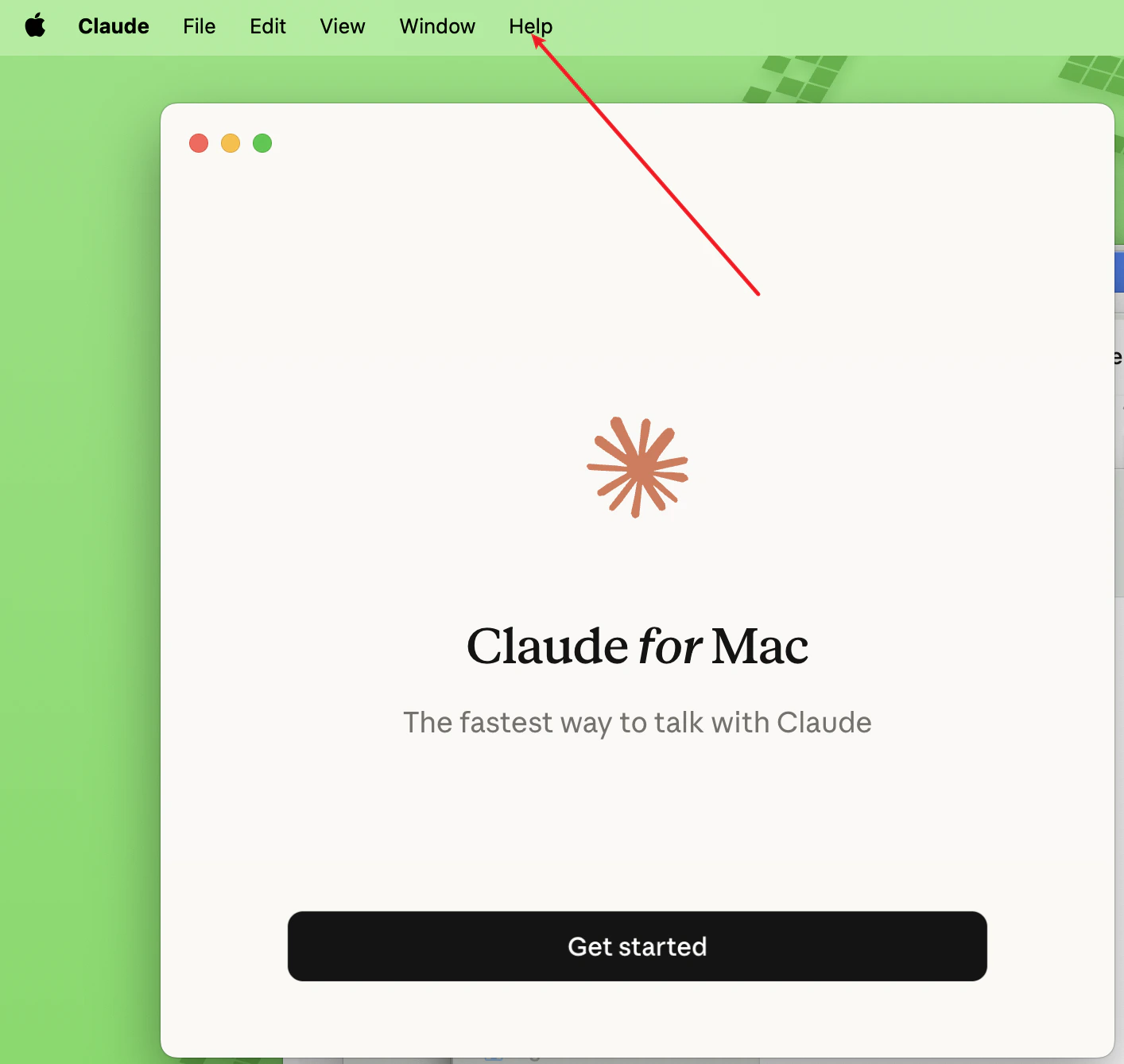
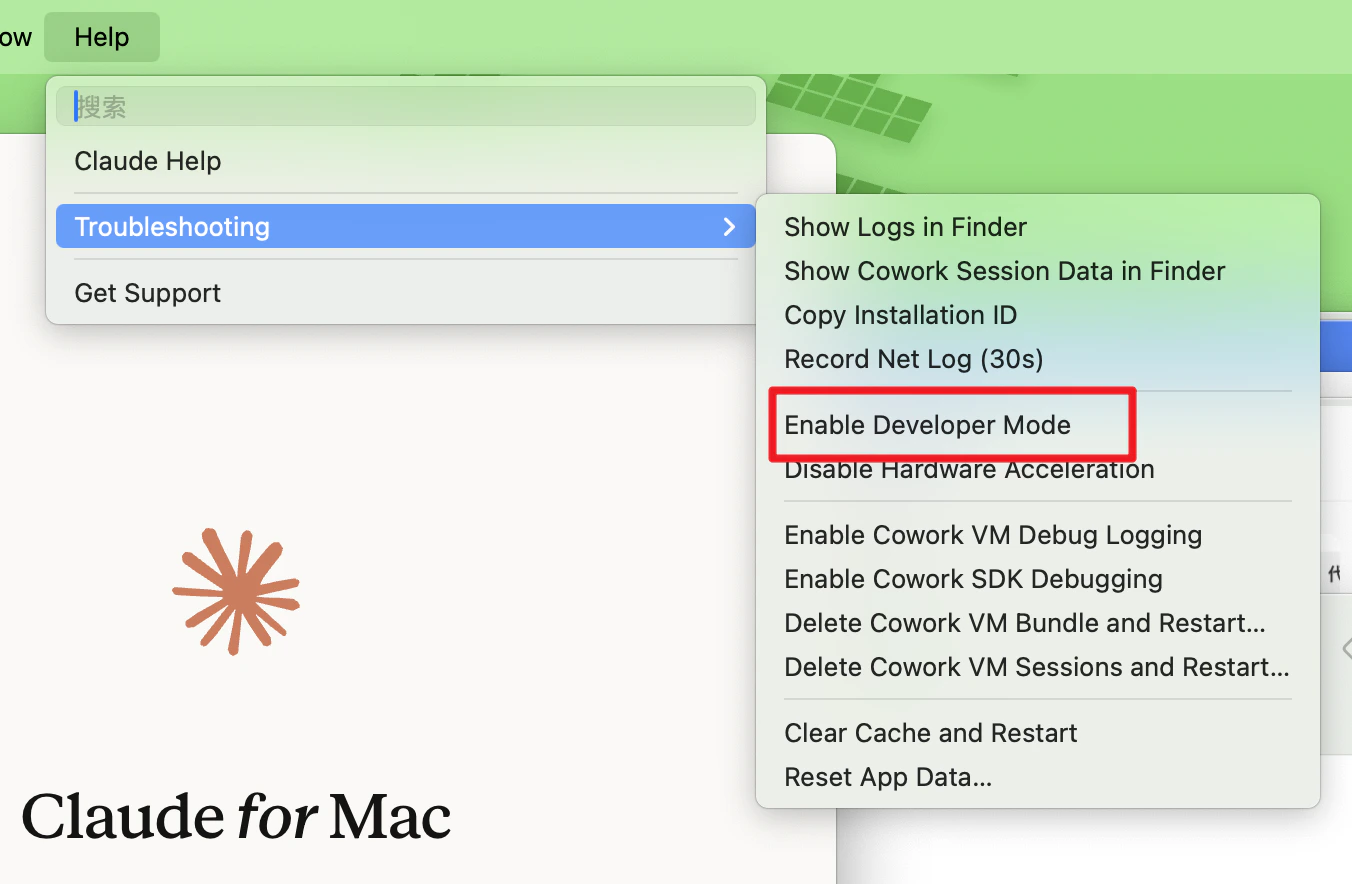
- Click the menu → Help → Troubleshooting → Enable Developer Mode
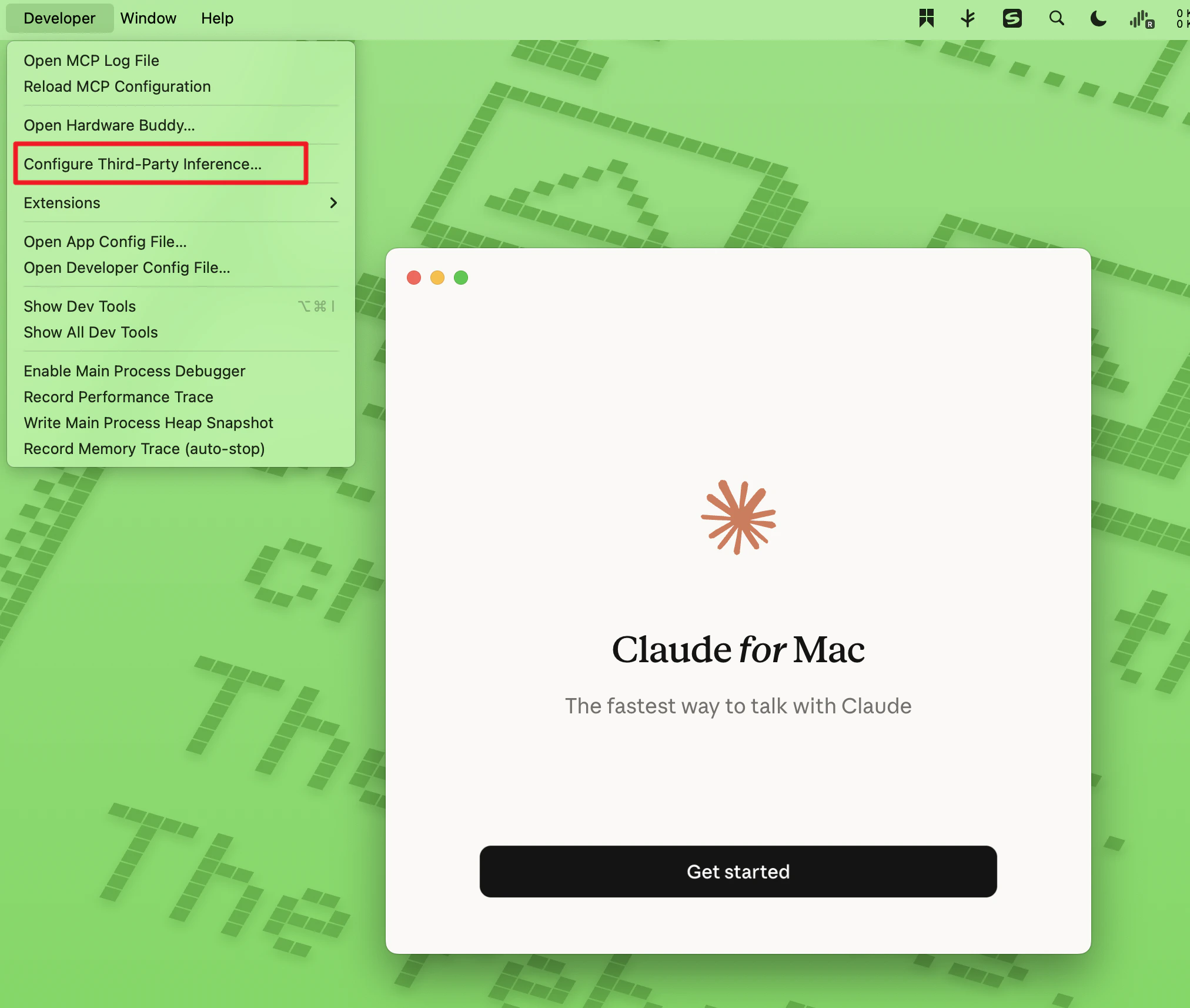
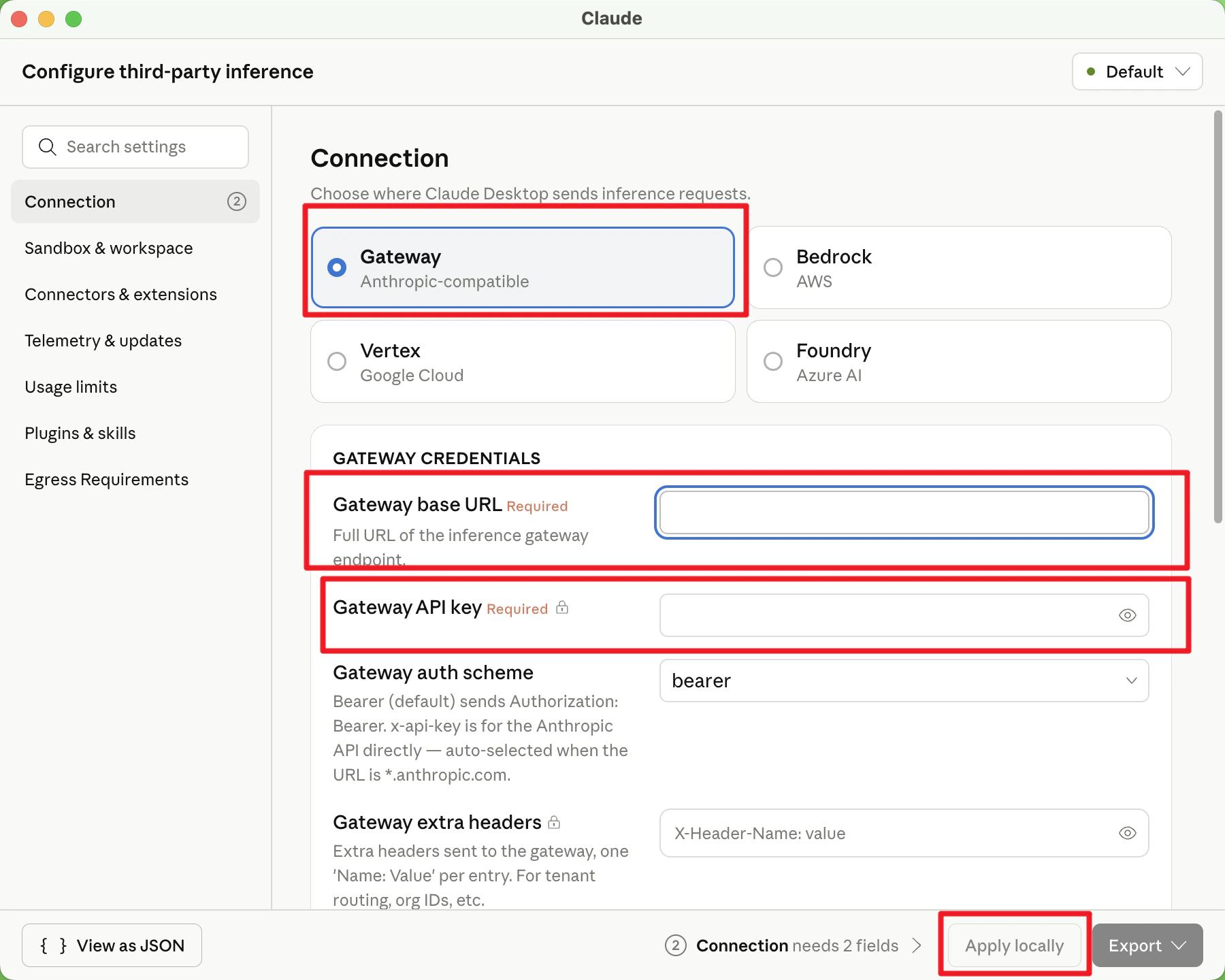
- After step 1, a Developer menu appears in the menu bar. Click Configure Third-Party Inference.
- Keep Gateway selected and fill in:
- Gateway base URL: https://fast-token.com/
- Gateway API key: API Key from the Fast-Token platform
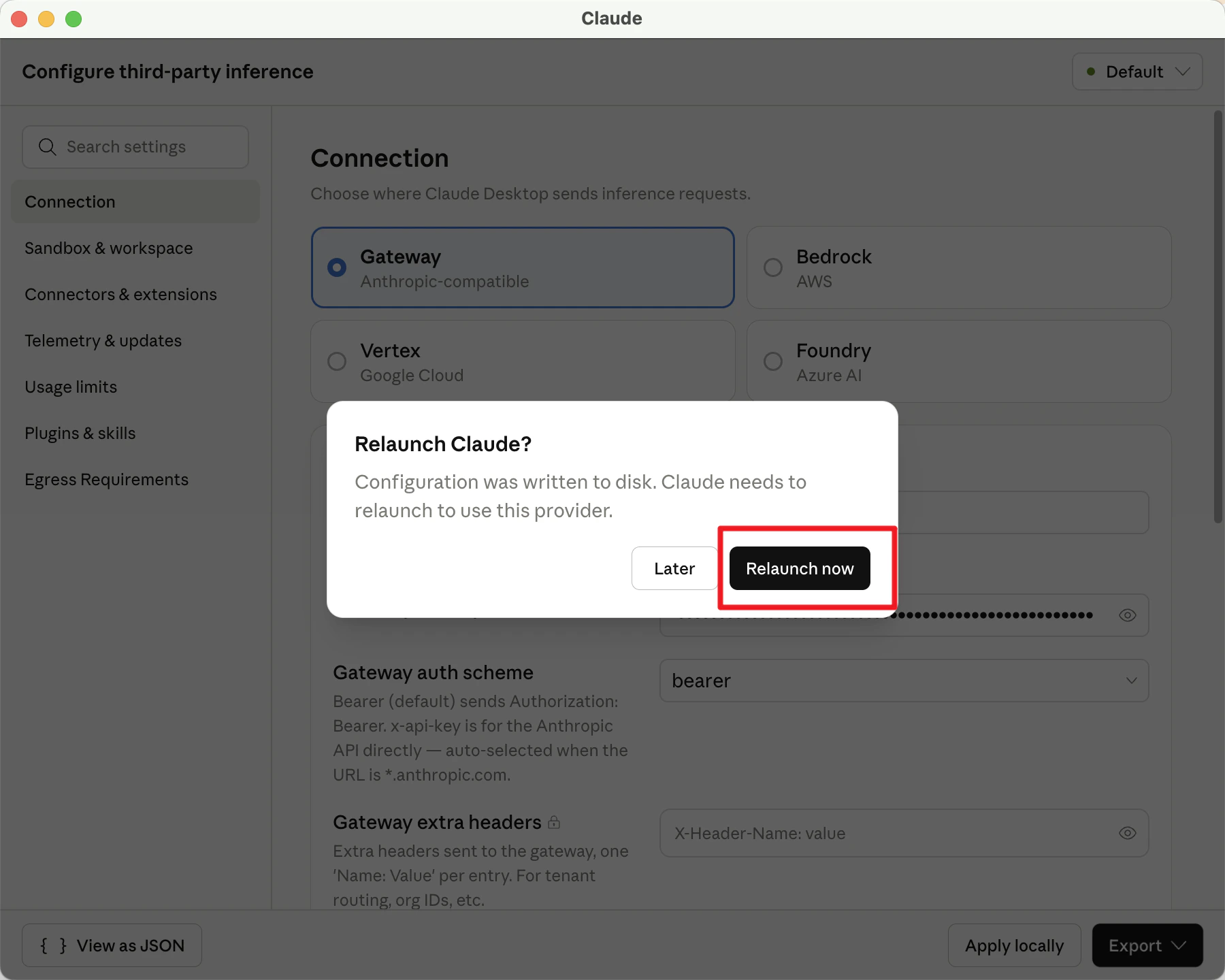
Leave everything else as is, click apply locally, then click relaunch now in the dialog.
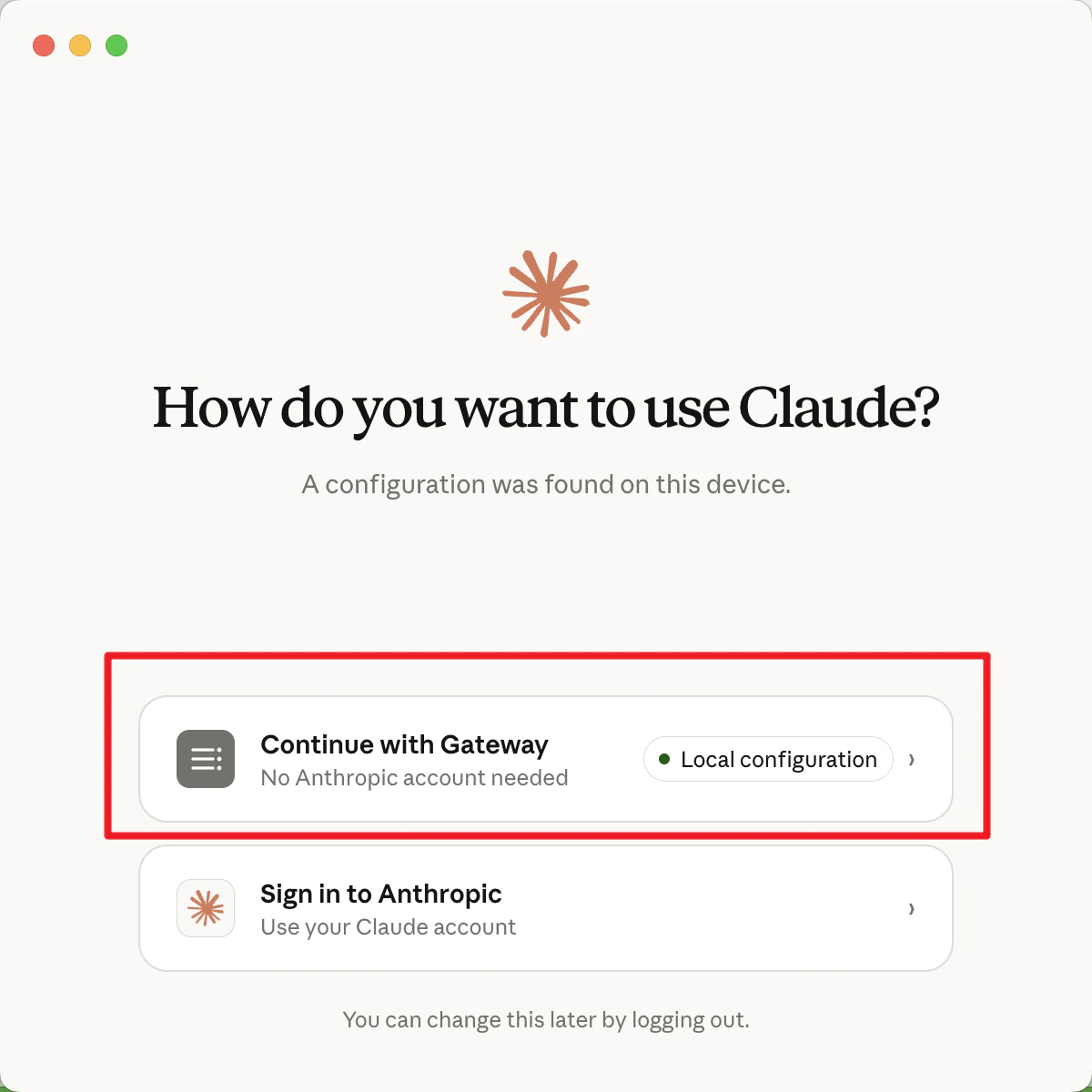
- Click Continue with Gateway
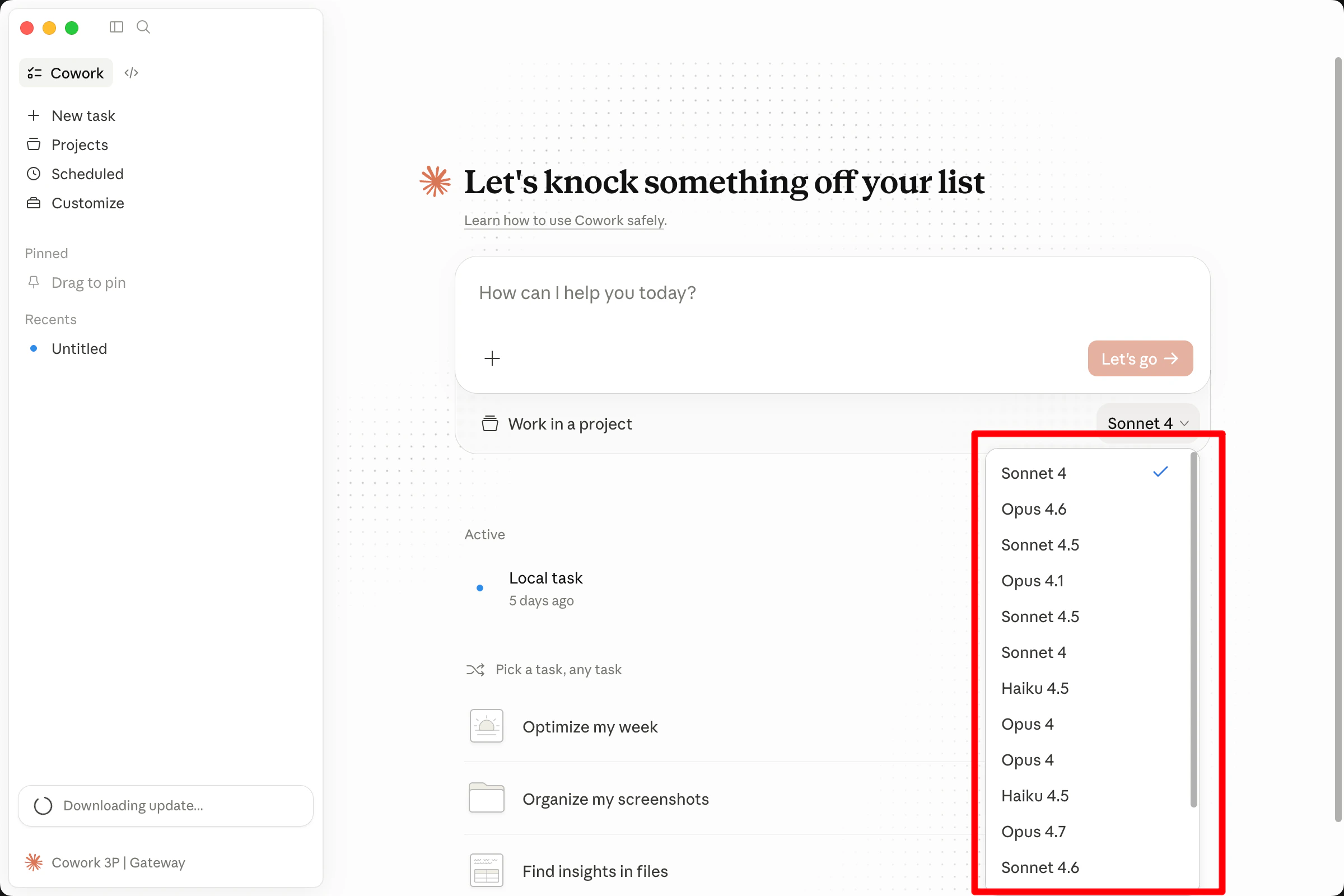
- Select the model you want to use at the bottom of the chat window, then start using it.