CoStrict Setup Guide
Using CoStrict with Fast-Token
CoStrict is an open-source, practical development tool built on code large models. It provides code completion, intelligent Q&A, code review, code optimization, unit test writing, comment generation, and more.
Install CLI
bash
npm install -g @costrict/cs- After installation succeeds, run
cs webin the terminal to open the Web settings page. Click Settings and add a custom provider. Set the API base URL tohttps://fast-token.com. Get the API Key from the Fast-Token platform.
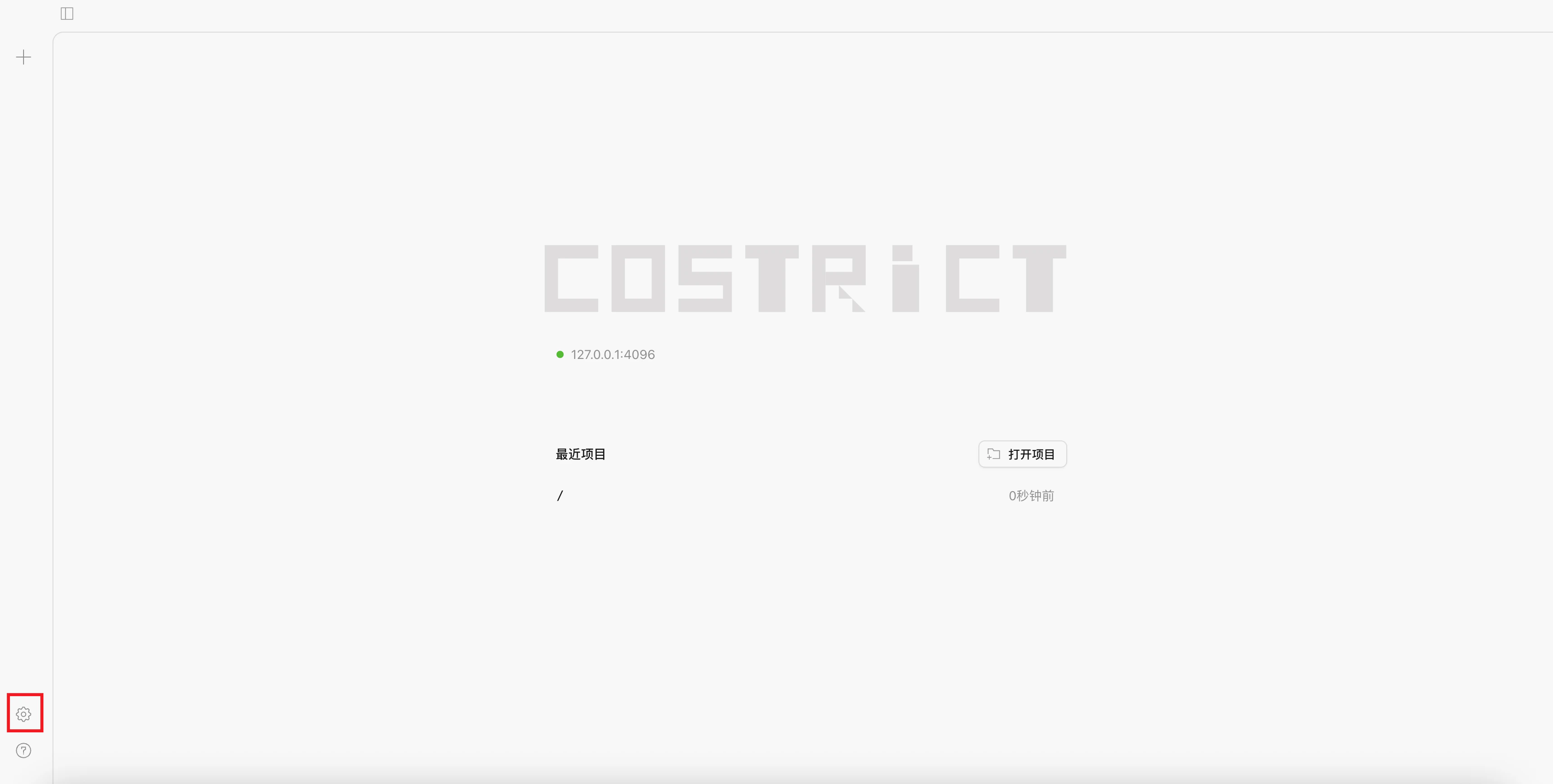
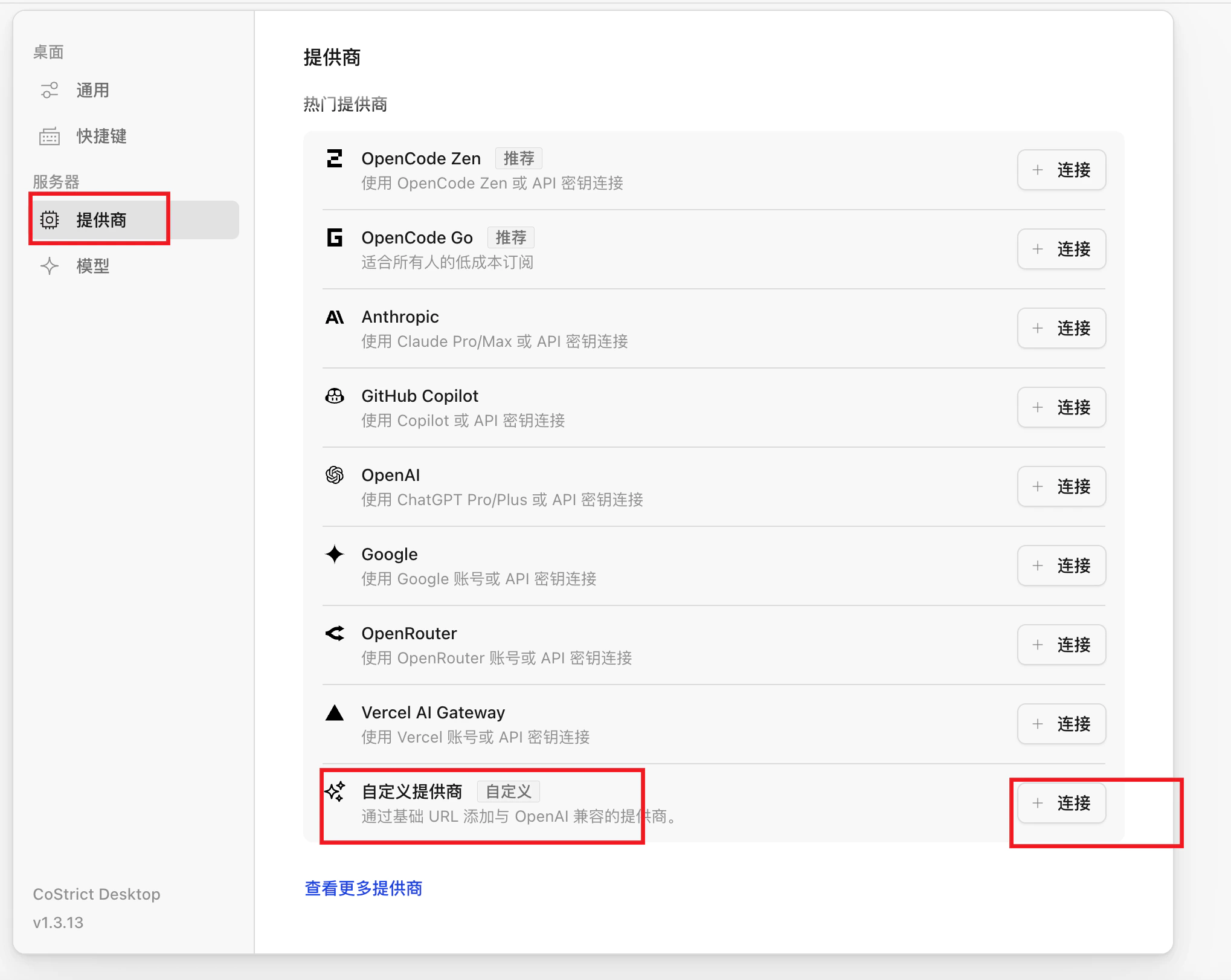
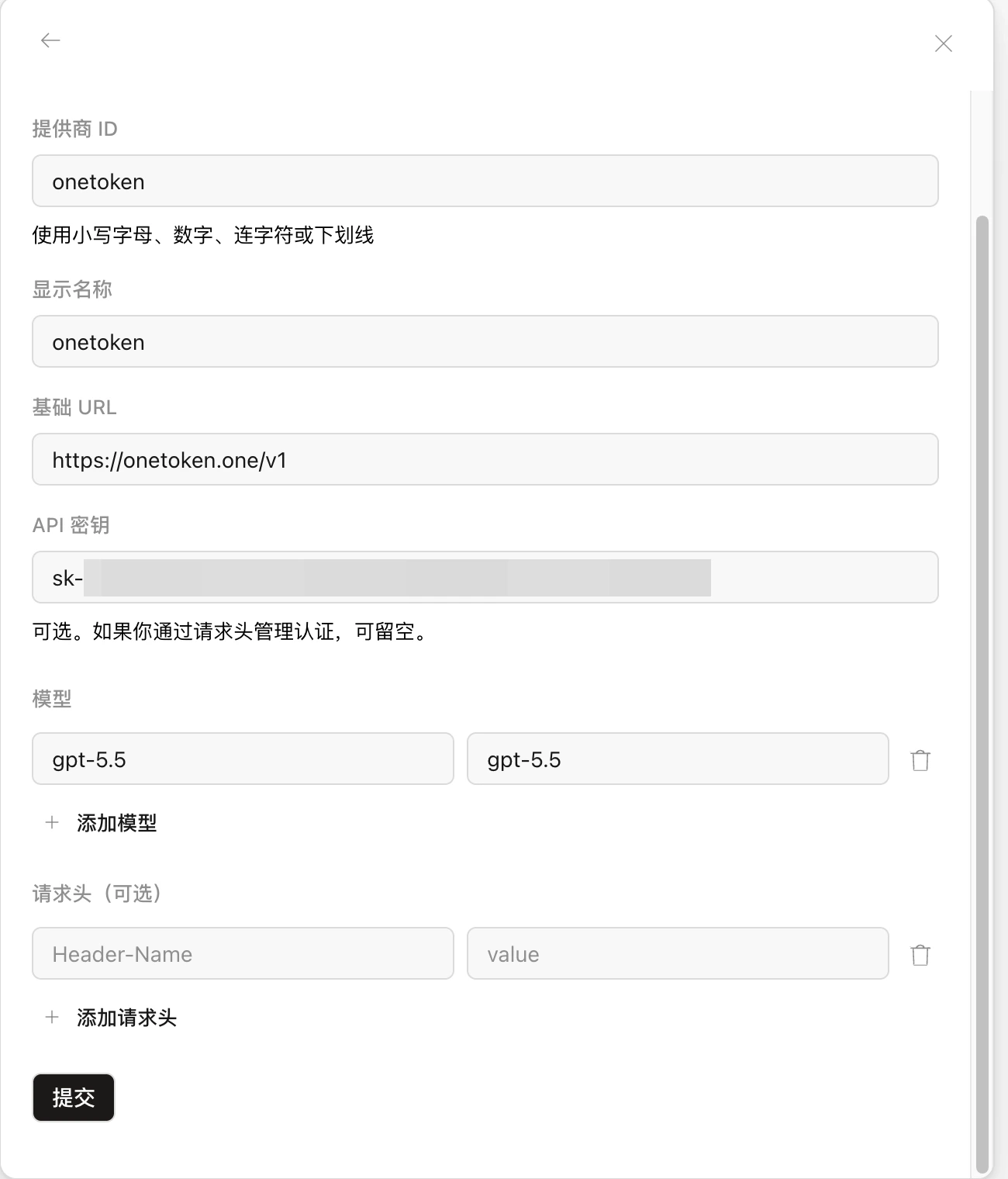
- After submitting successfully, press
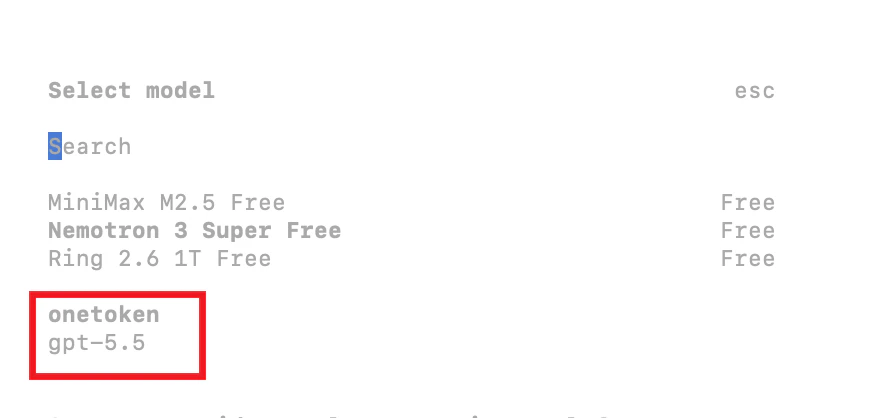
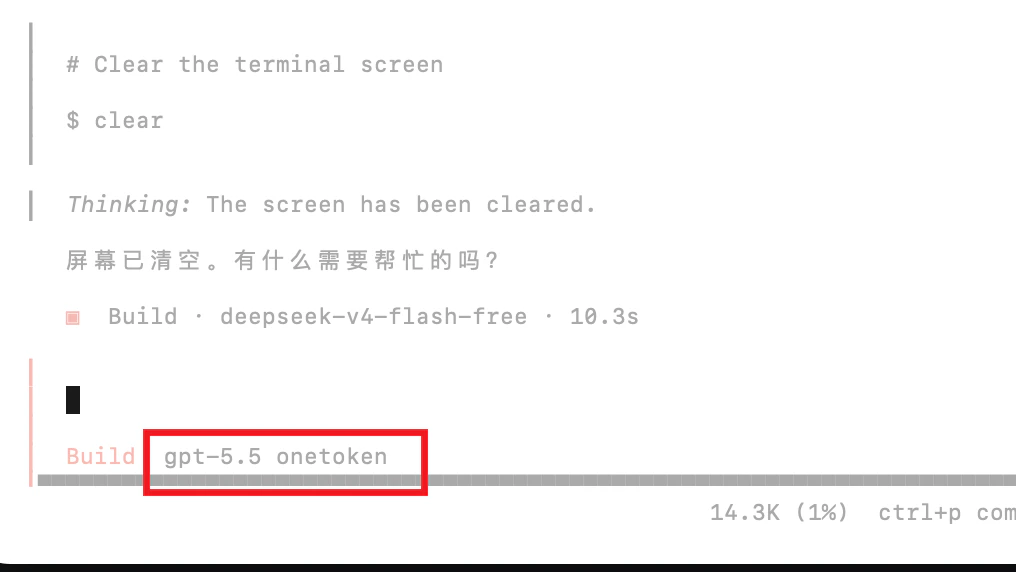
Ctrl + Cto stop the current Web command. Runcsagain in the terminal, type/models, select the model you just added, and press Enter to start using it.
Use in VS Code
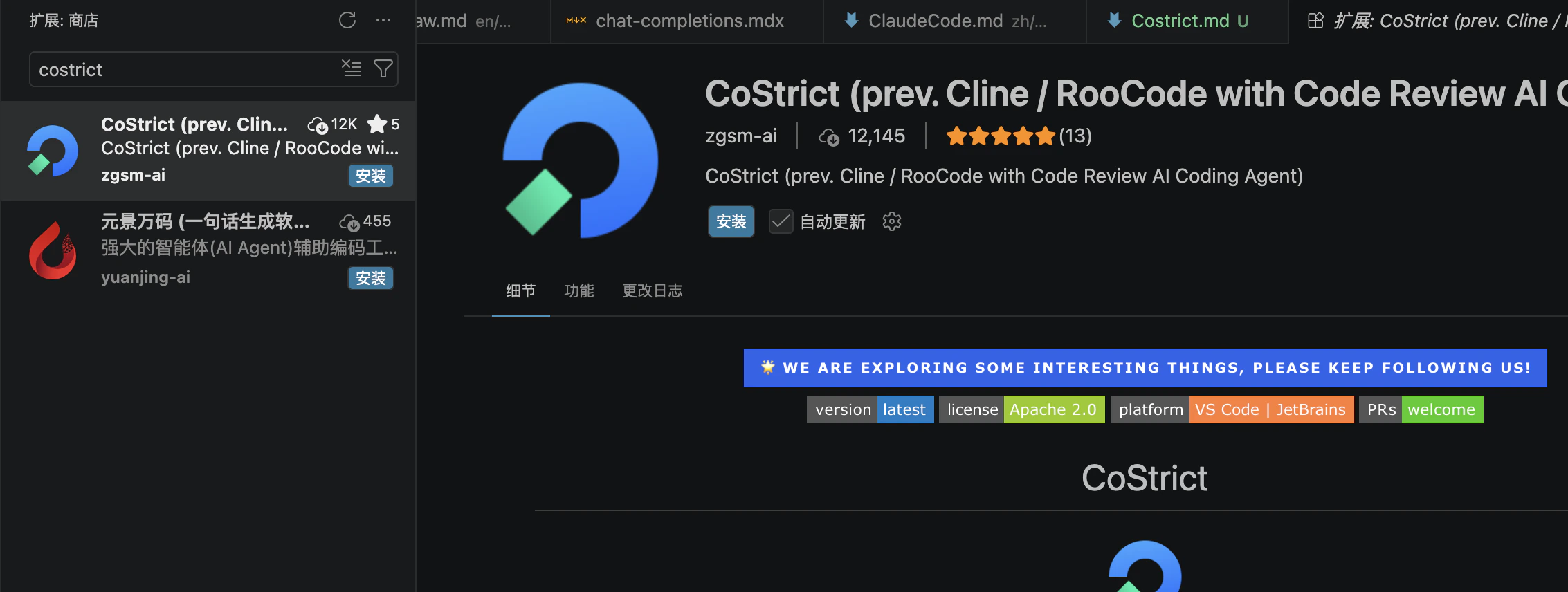
- Open VS Code, search for
costrictin the Extensions marketplace, and install it.
- Open the
costrictextension and choose to use another provider.
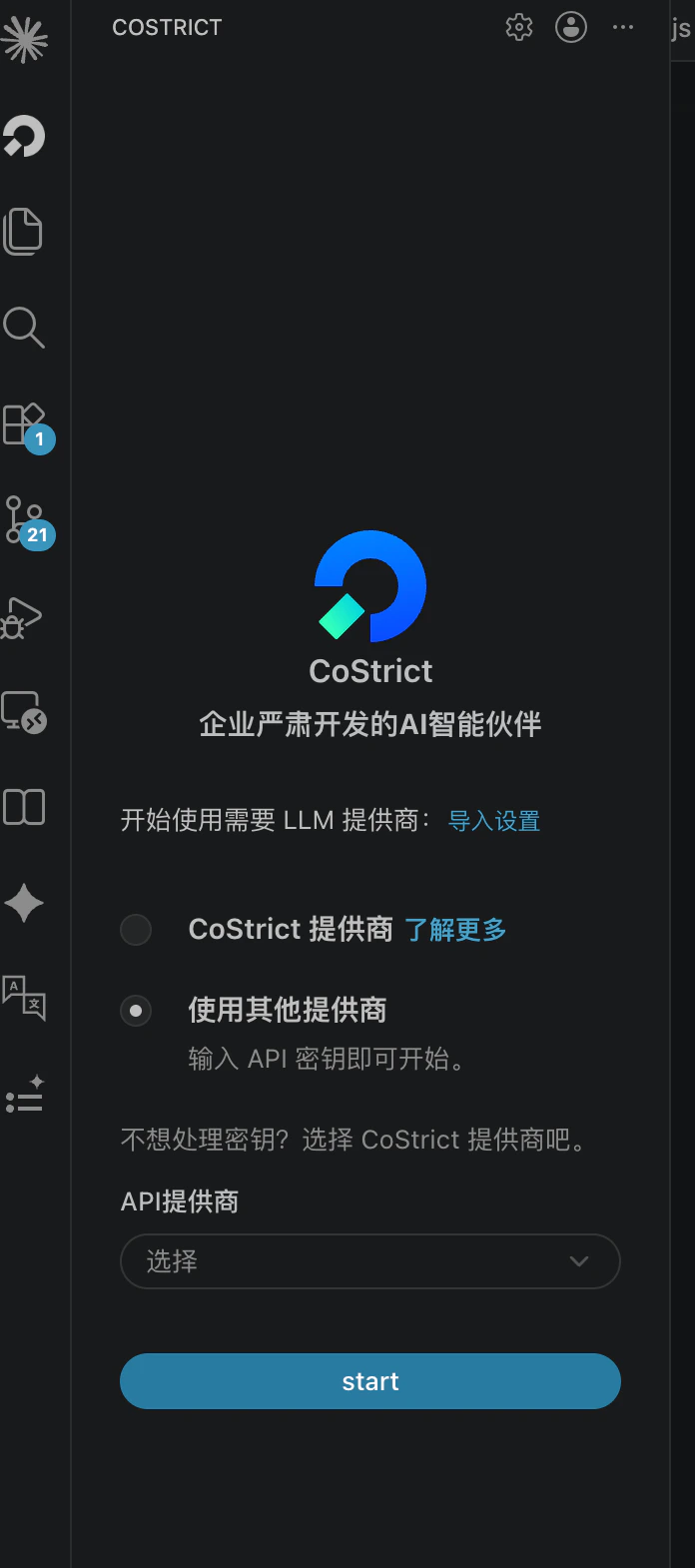
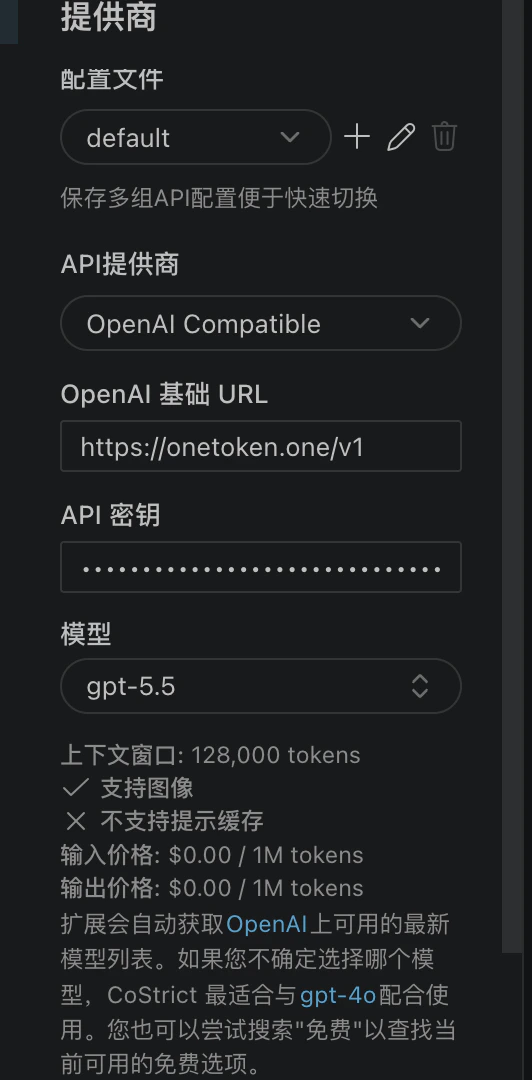
- Select OpenAI Compatible from the dropdown list.
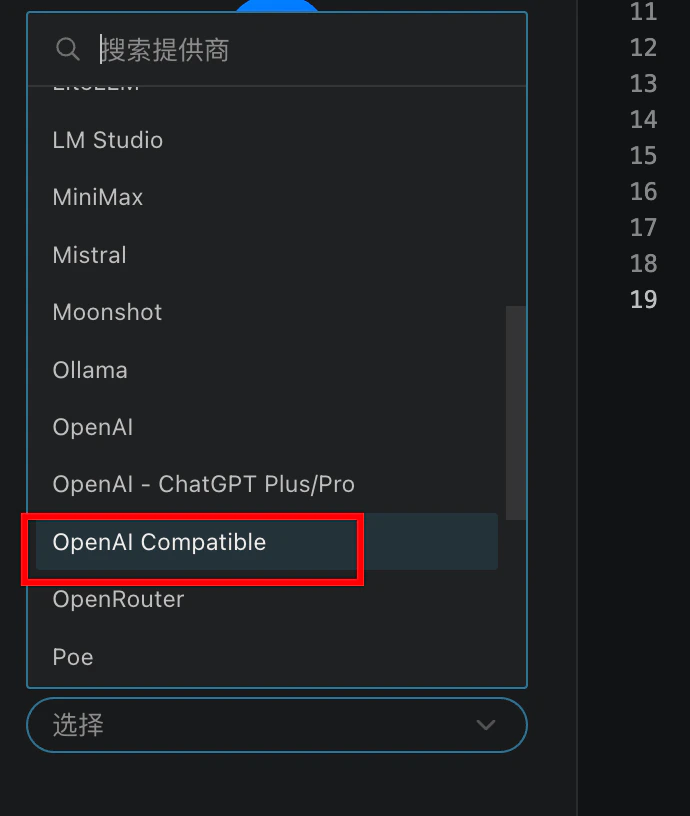
- Fill in the details: API base URL is
https://fast-token.com, API Key from the Fast-Token platform, and model names from the model list.