
OpenClaw
OpenClaw is an open-source agent platform that runs on your local machine and works through the chat apps you already use.
Installation
TIP
Make sure Node>=22 before installing
Run the install command
bash
npm install -g openclaw@latestTerminal configuration
Open a terminal and run the following command to start configuration
bash
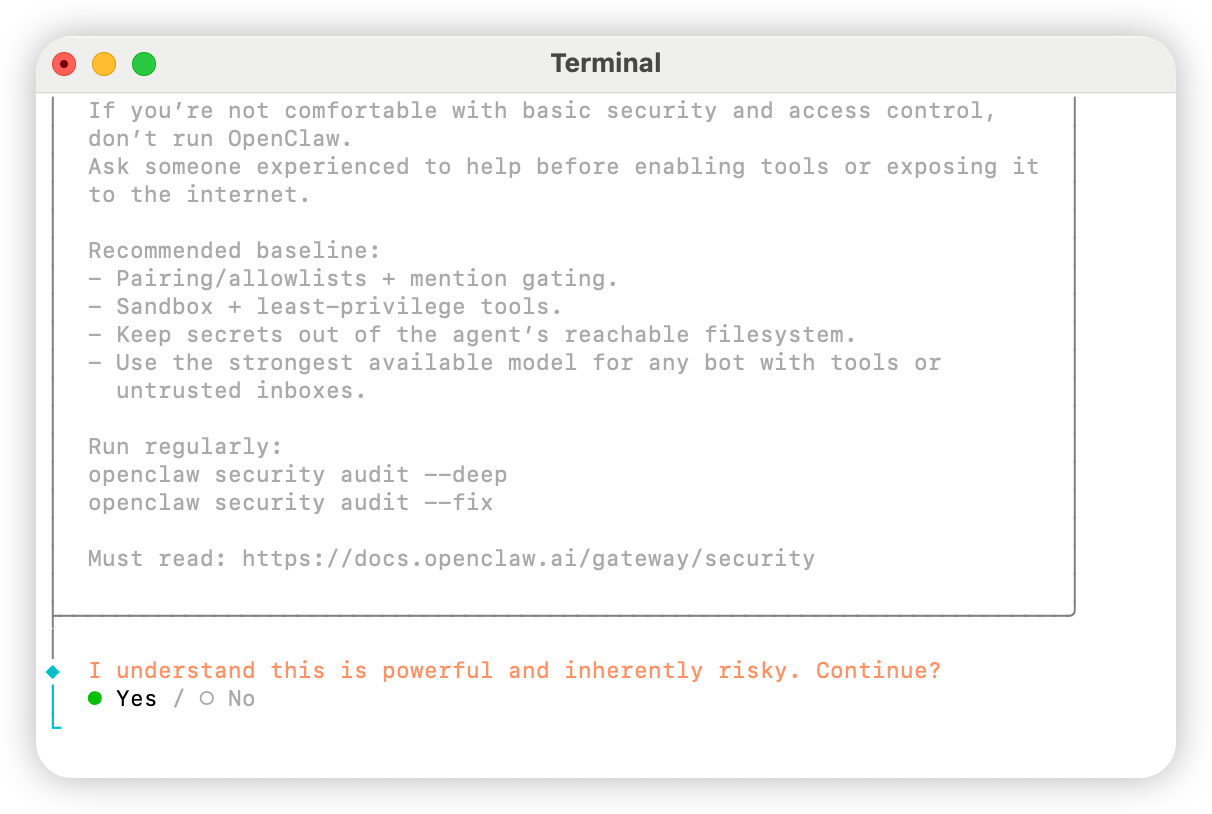
openclaw onboardSelect Yes
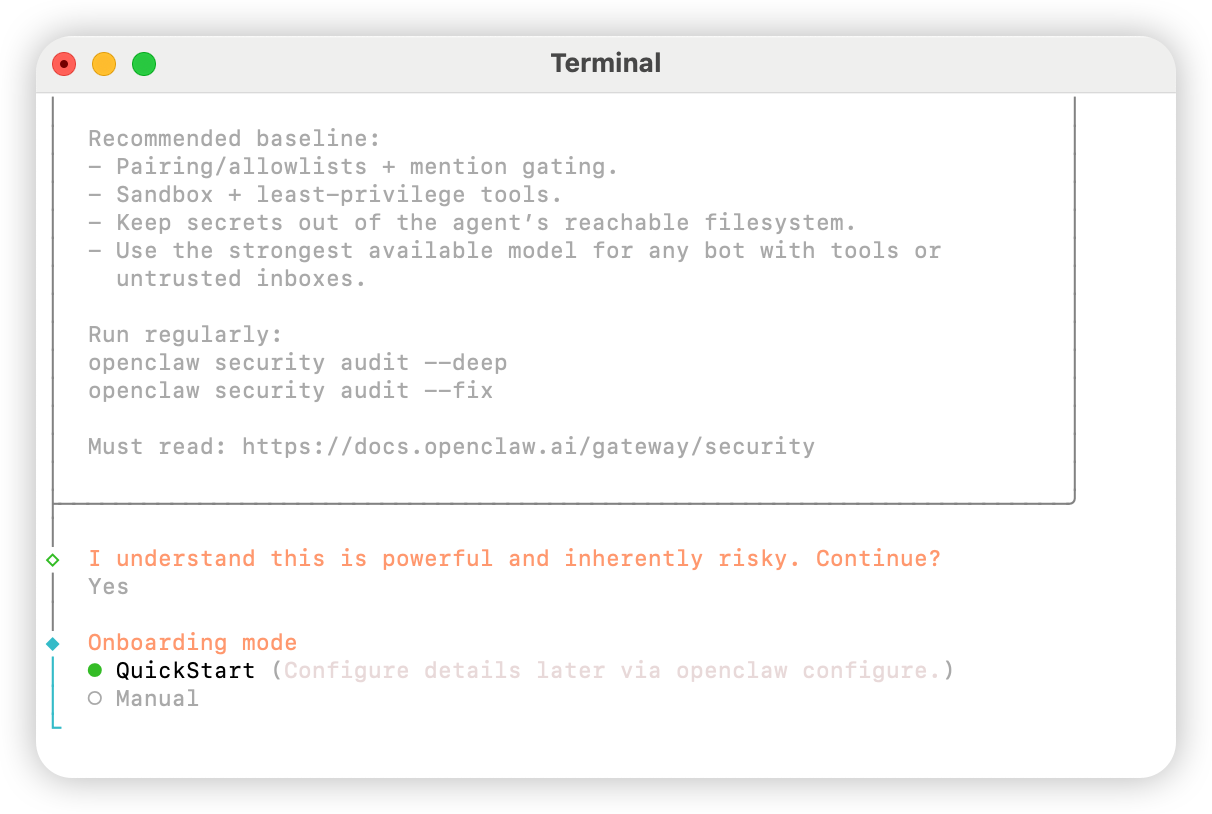
Select QuickStart
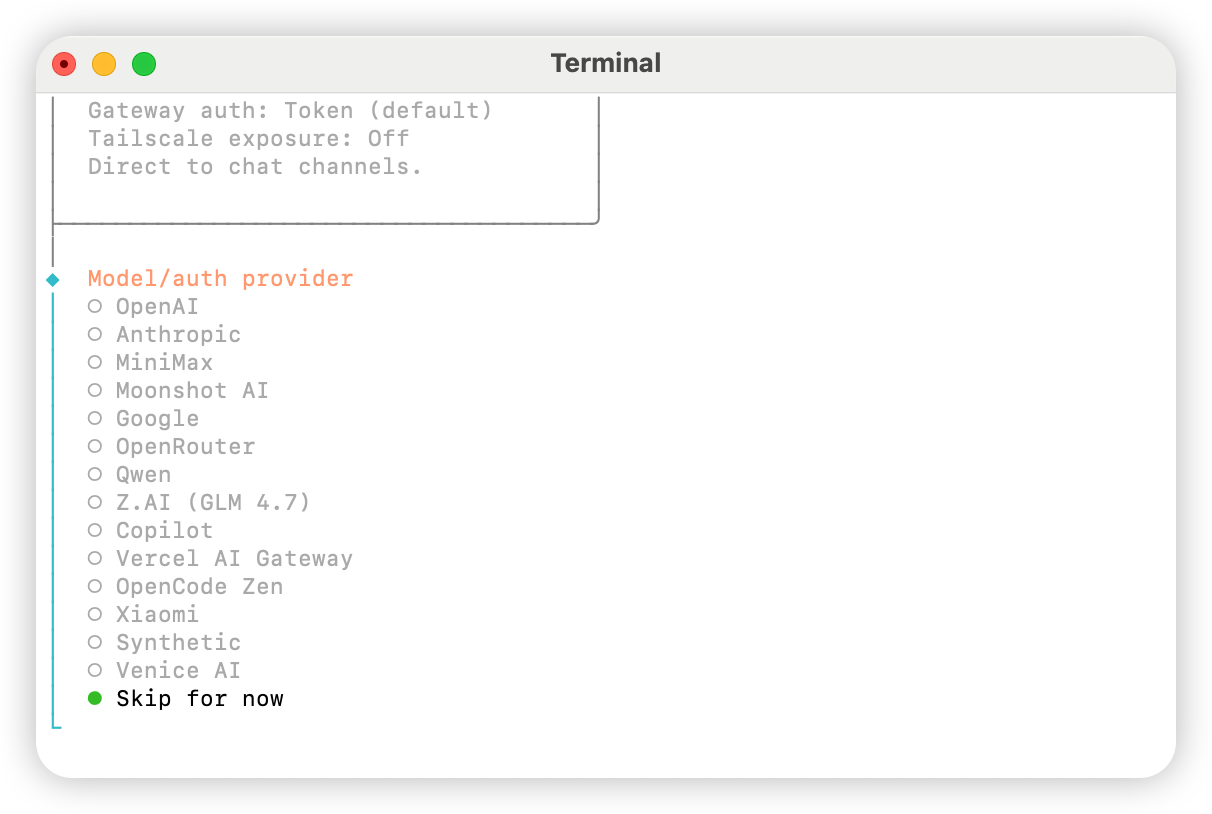
Select Skip for now
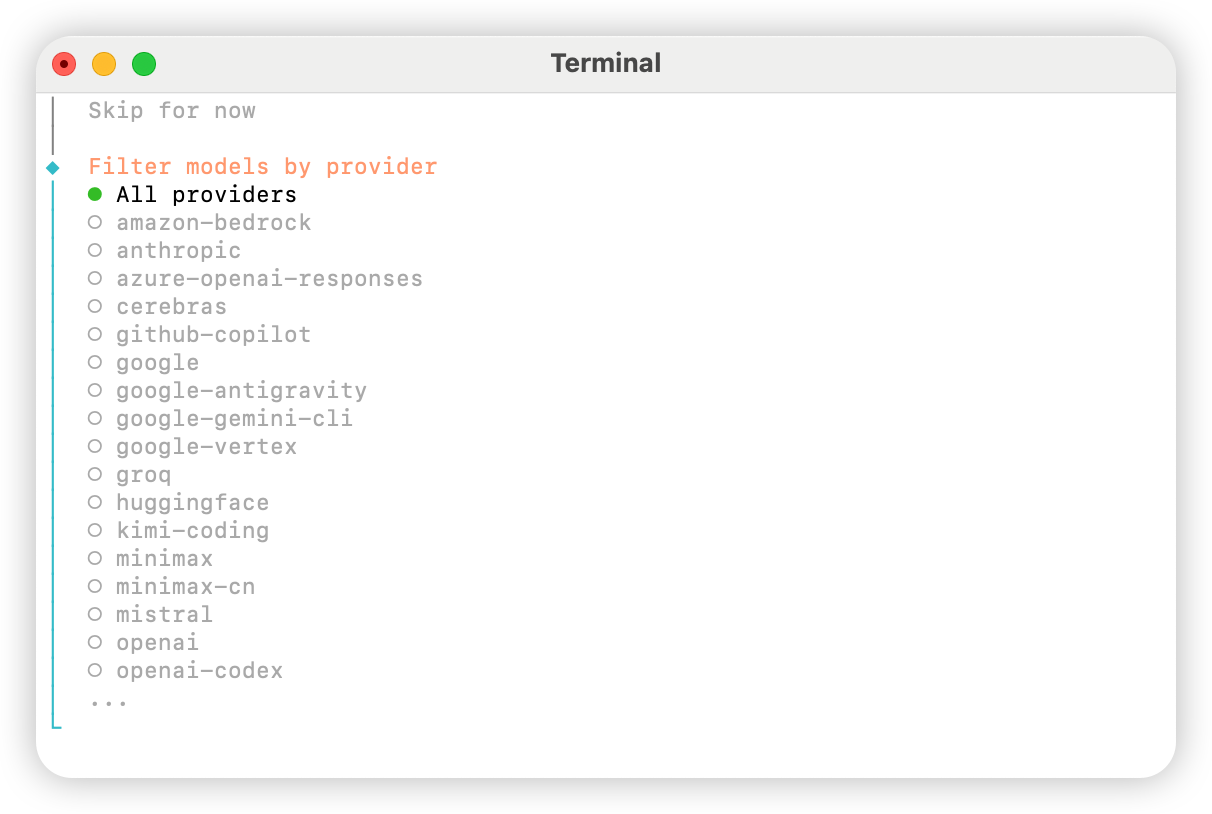
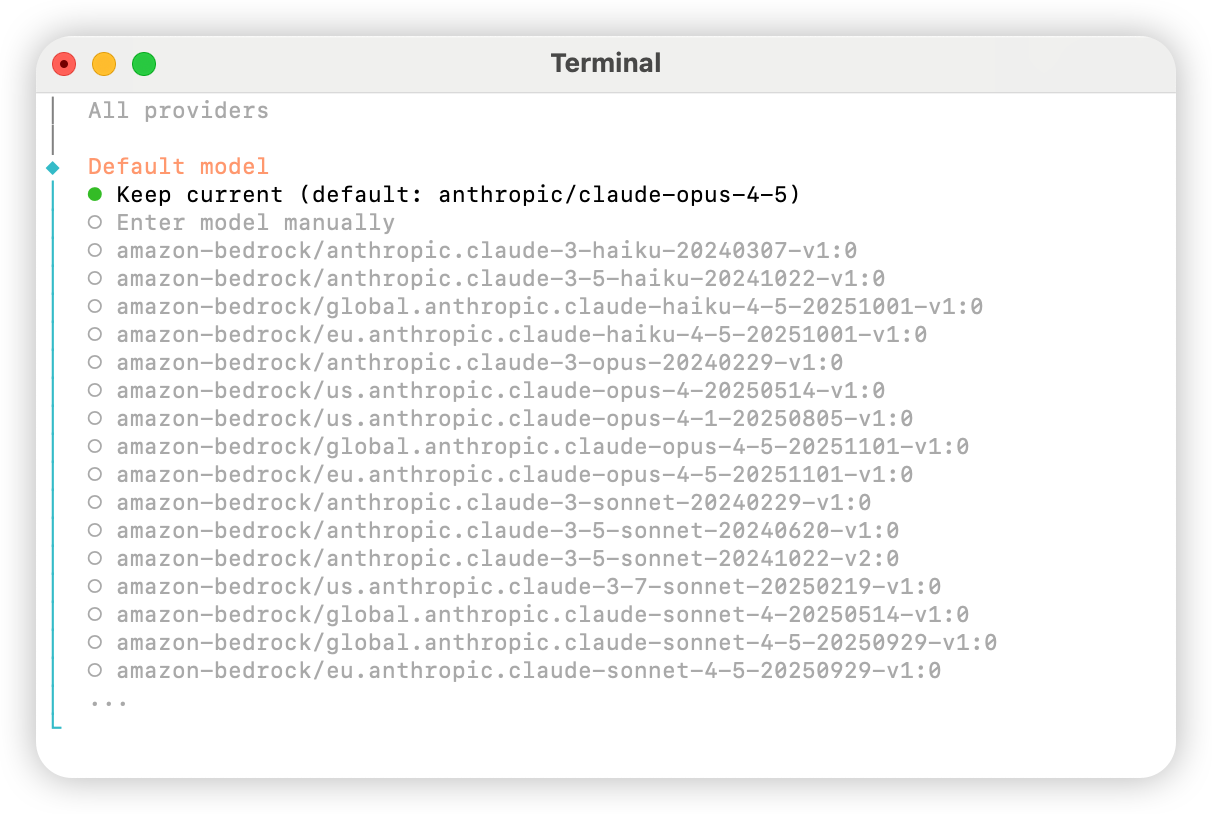
Select All providers
Choose a default model as needed; you can select Keep current for now and change it later in the config file
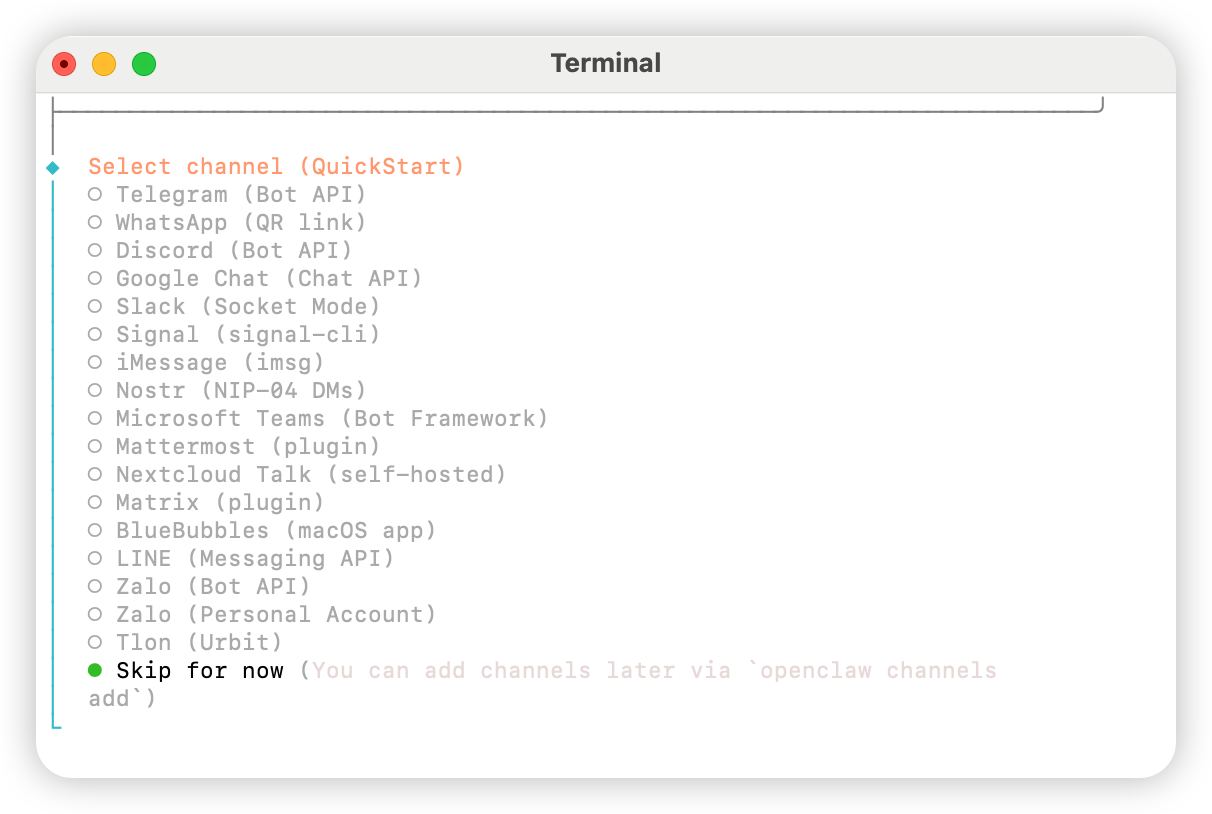
Link a personal account if needed; otherwise select Skip for now
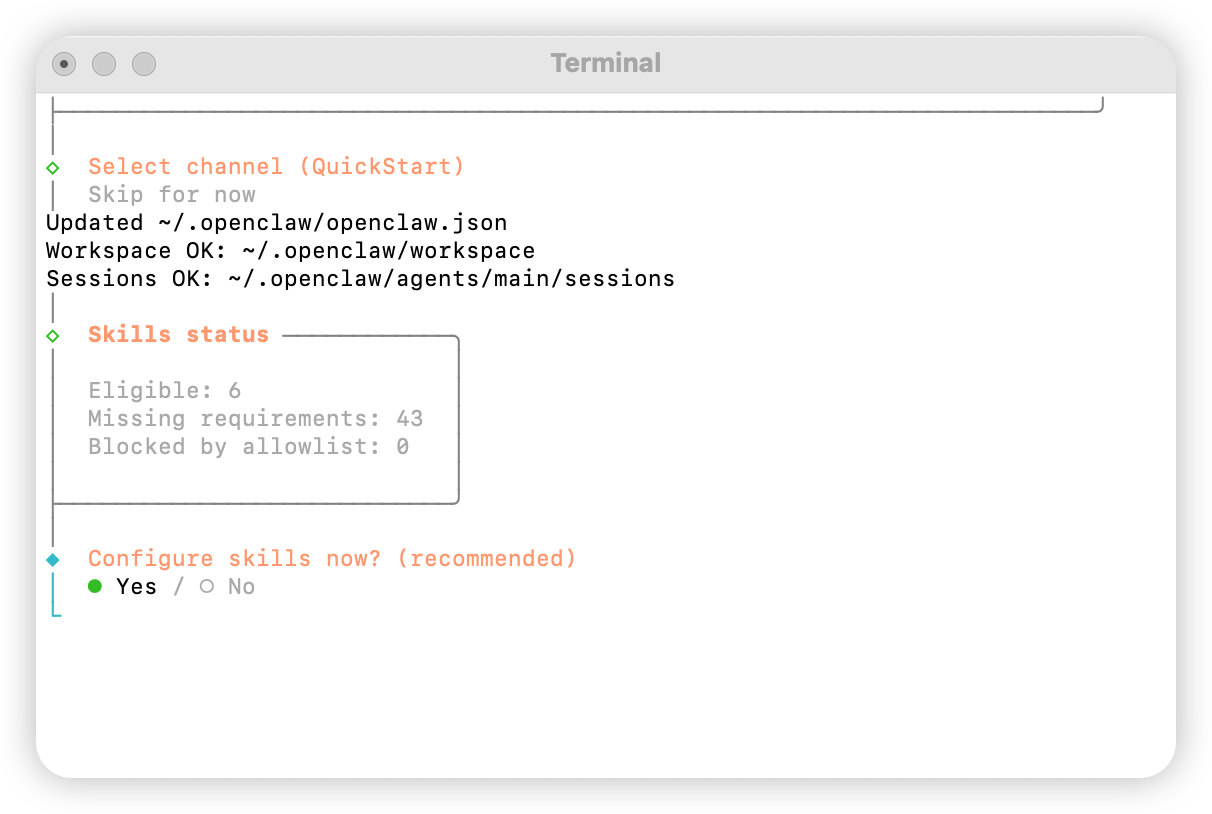
Configure skills: select Yes
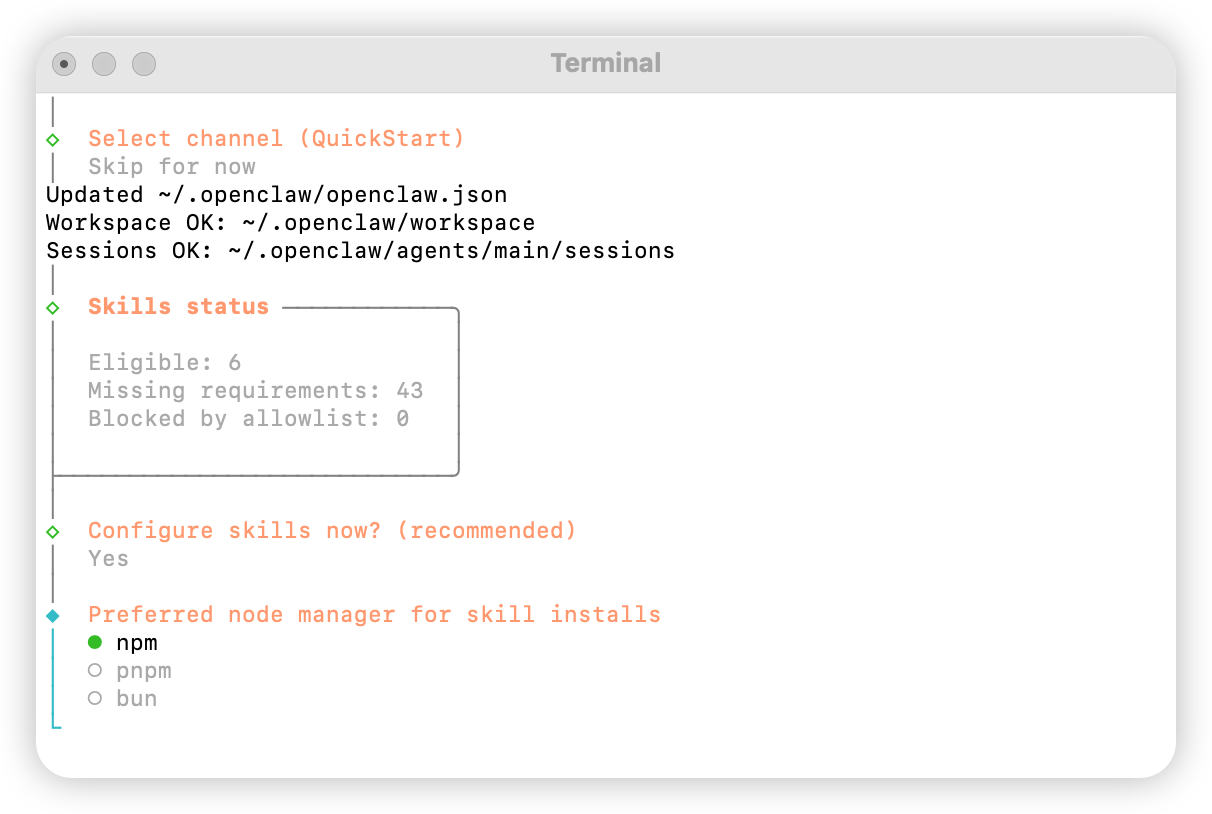
Select npm
Choose skills to configure as needed
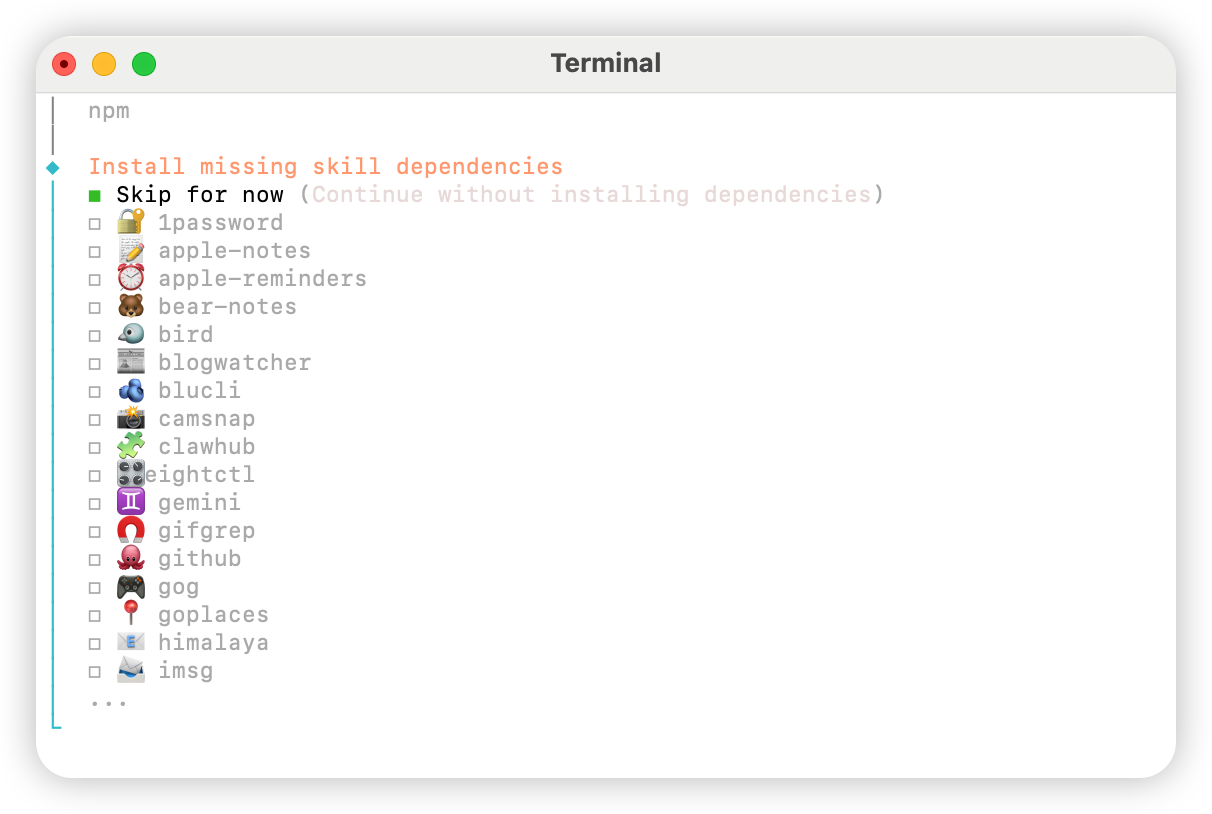
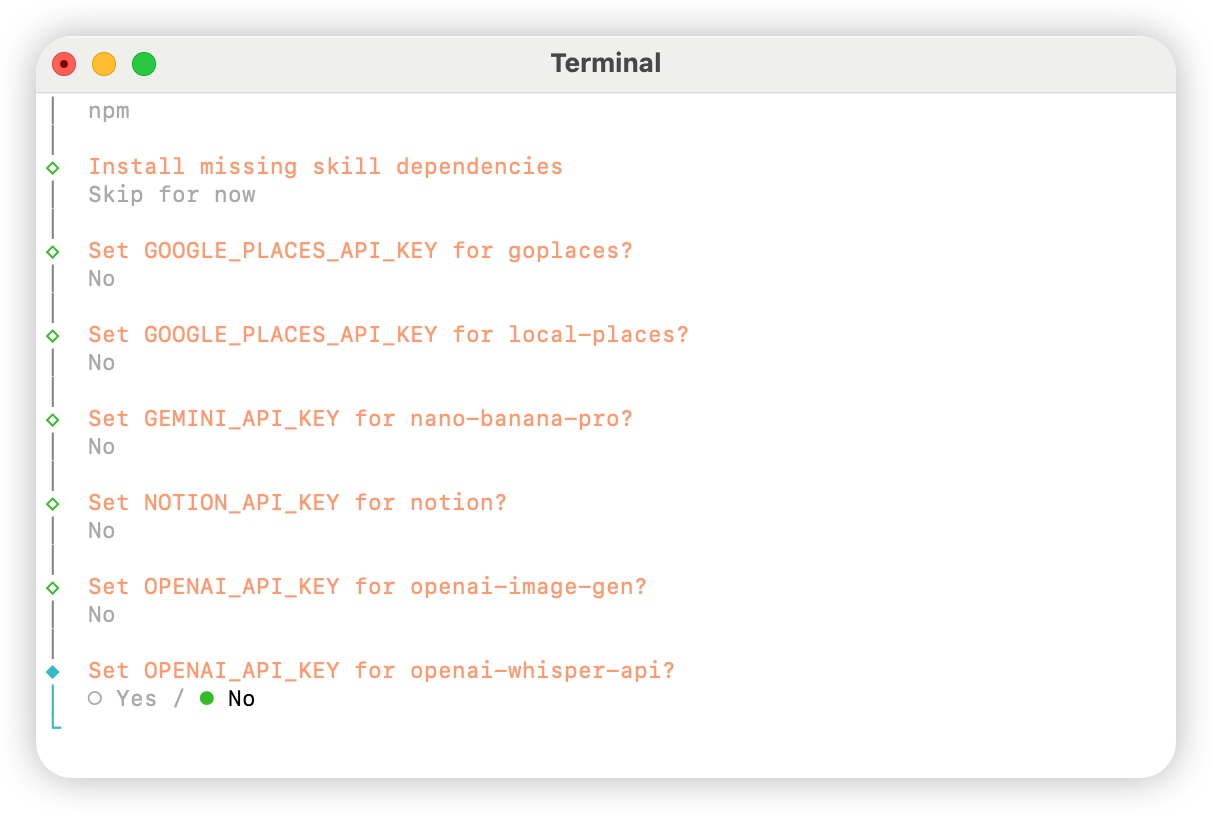
Select No for all
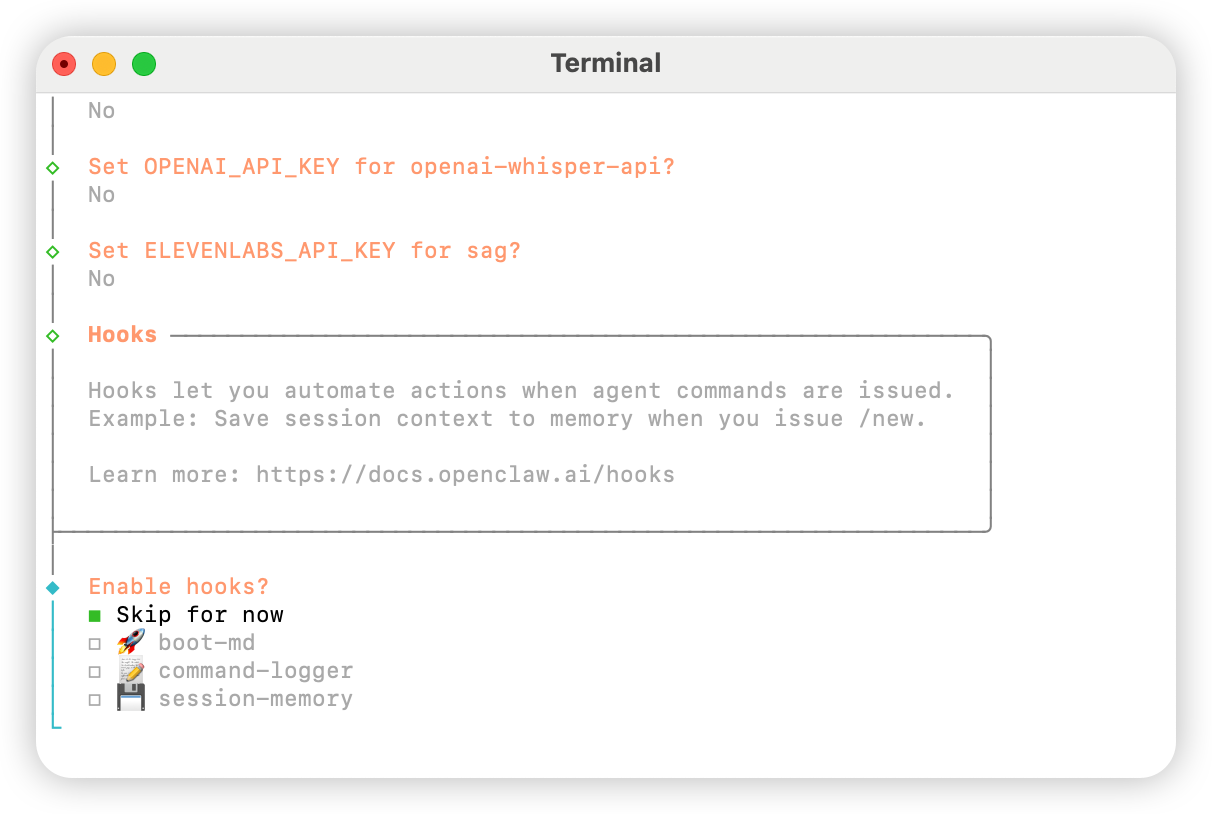
Select Skip for now
Select Hatch in UI