Work Buddy
Using Work Buddy with Fast-Token
WorkBuddy supports third-party custom models so you can choose different large language models for your conversations. This guide walks through the full setup to connect to the Fast-Token platform.
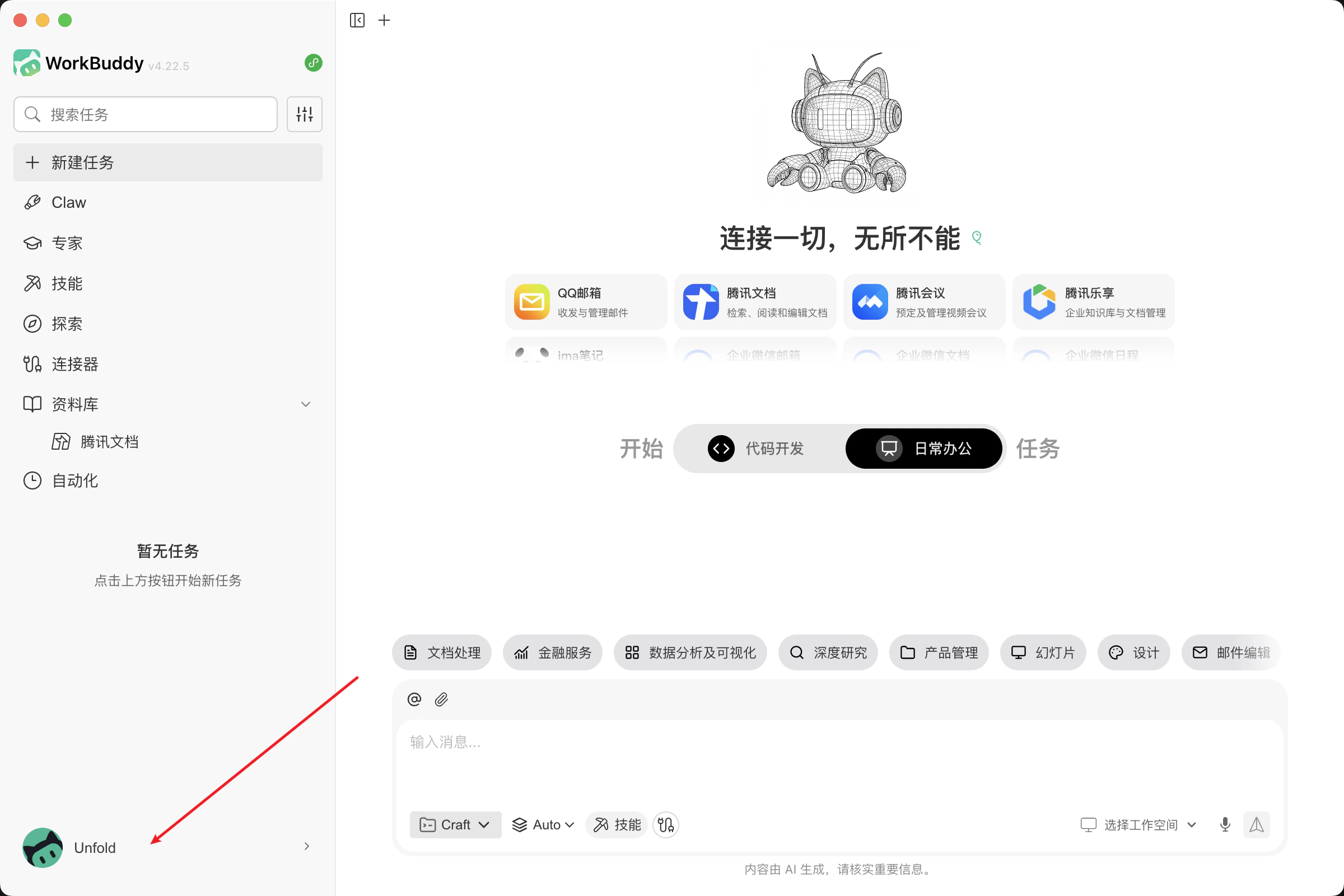
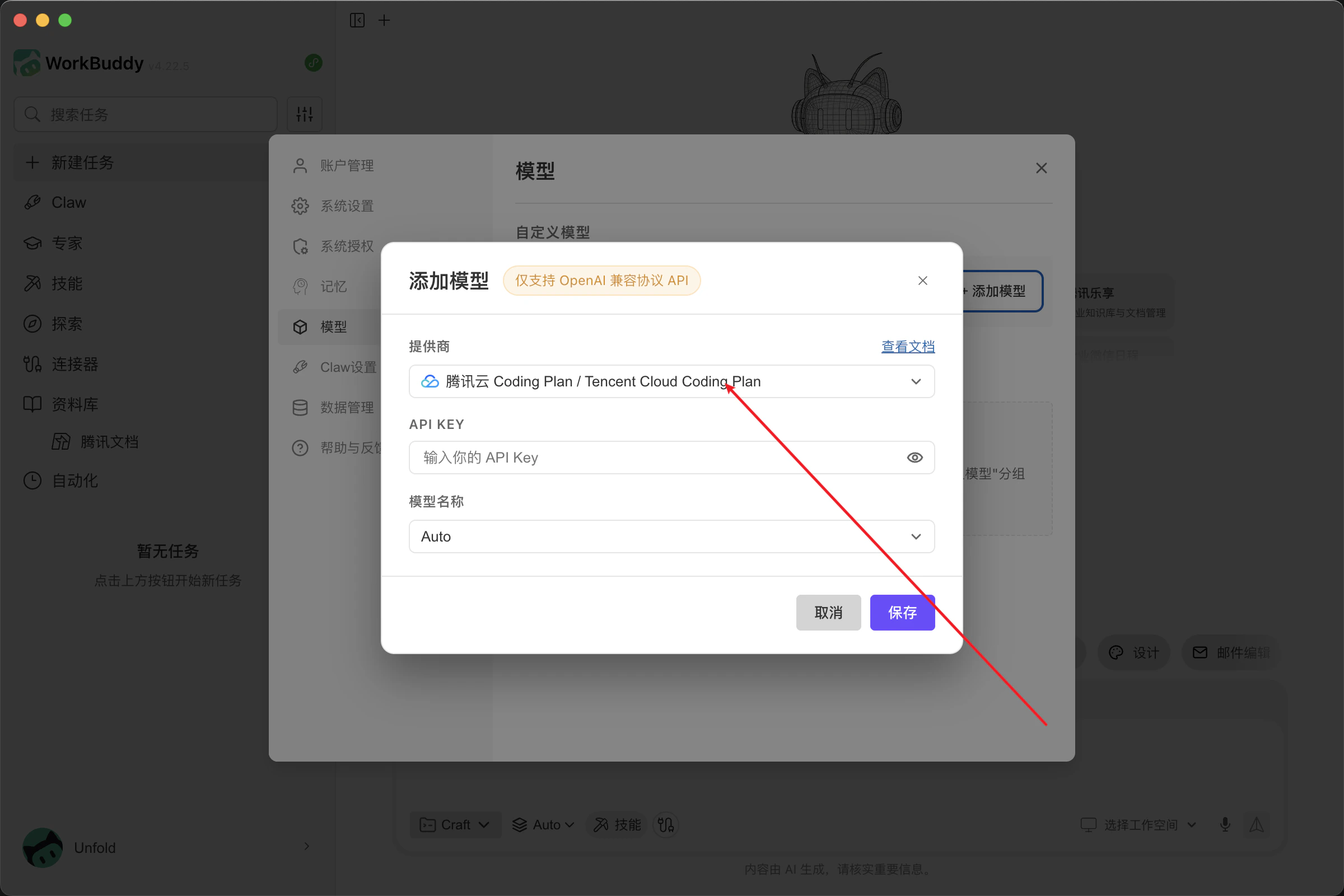
- Click your avatar on the left to open the menu, then open Settings → Models. Manage custom models in the UI—no manual config files. Settings are saved automatically.
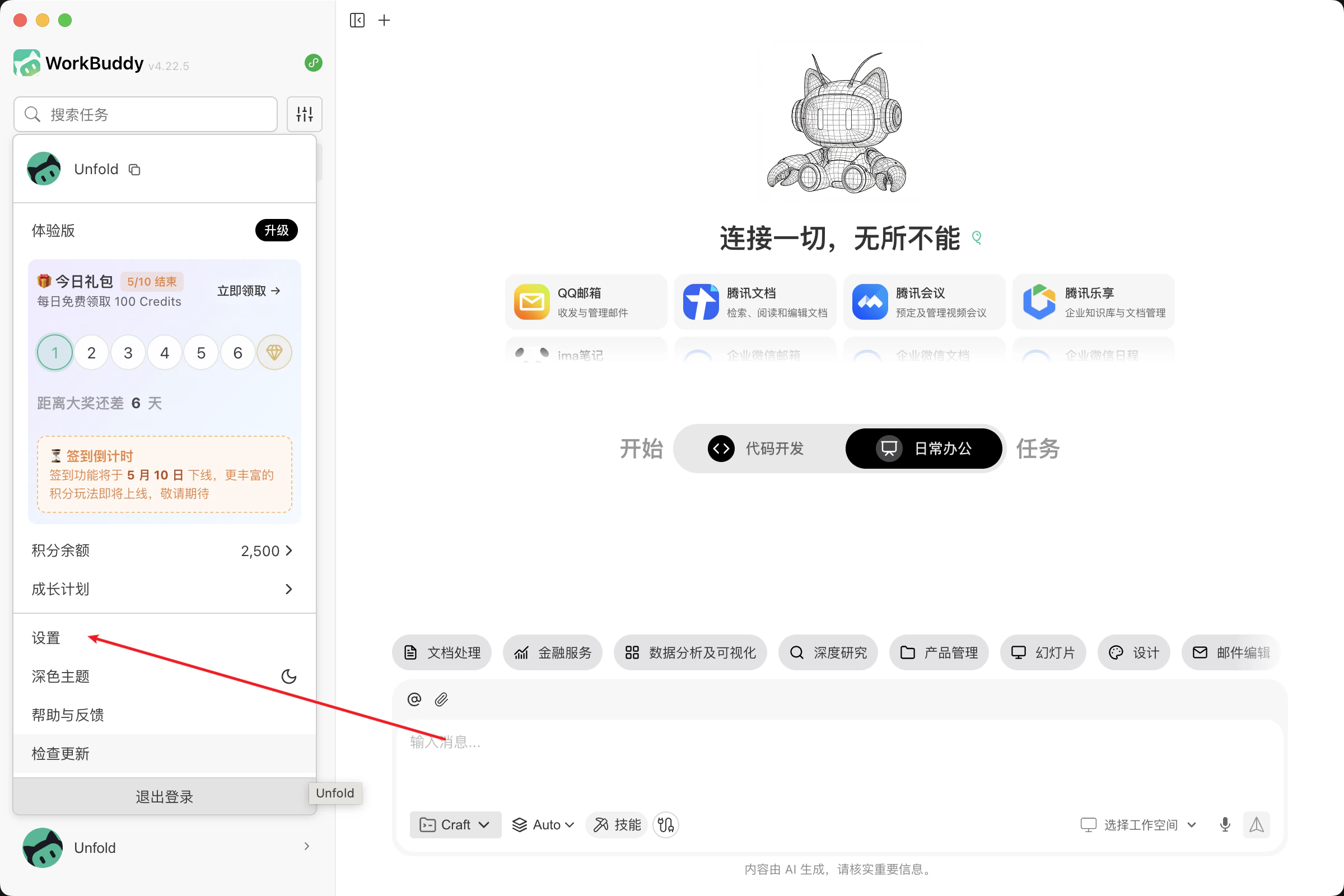
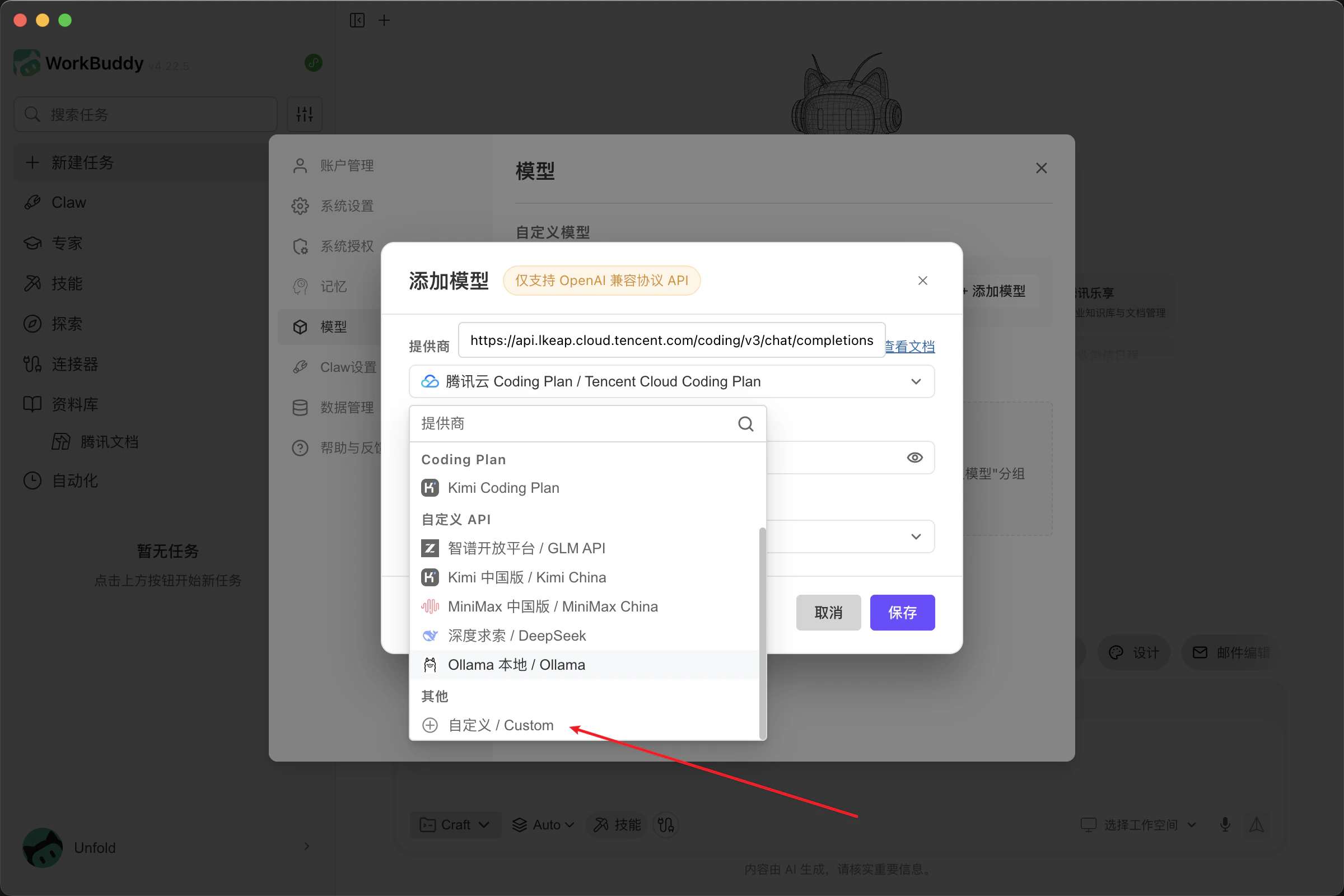
- Click Add model, scroll the provider list to the bottom, and choose Custom.
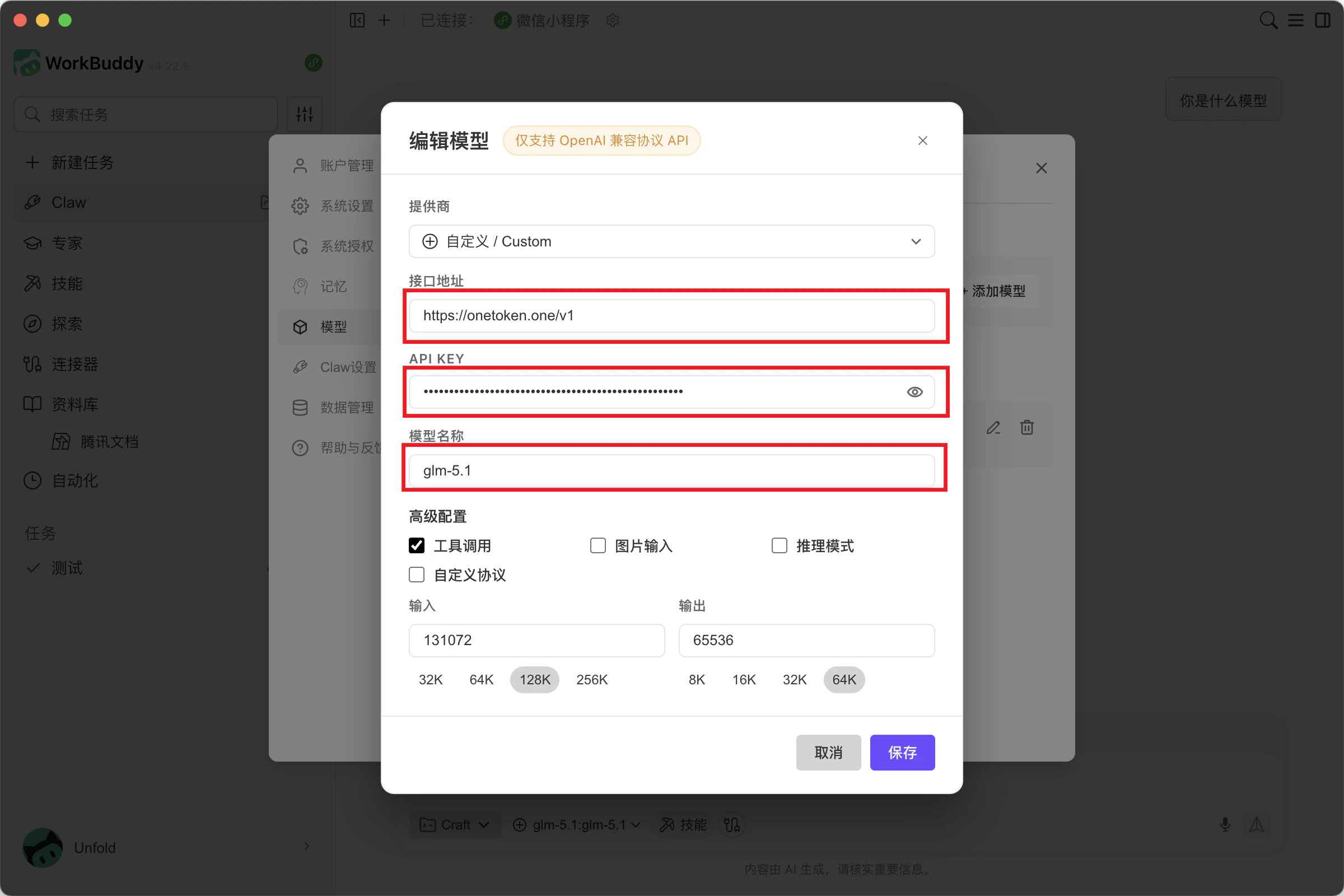
- Fill in the model details:
- Endpoint URL:
https://fast-token.com/v1 - API Key: from the Fast-Token platform
- Model name: a model supported in the model list
- Advanced settings: configure according to the capabilities of the model you choose
Click Save when done.
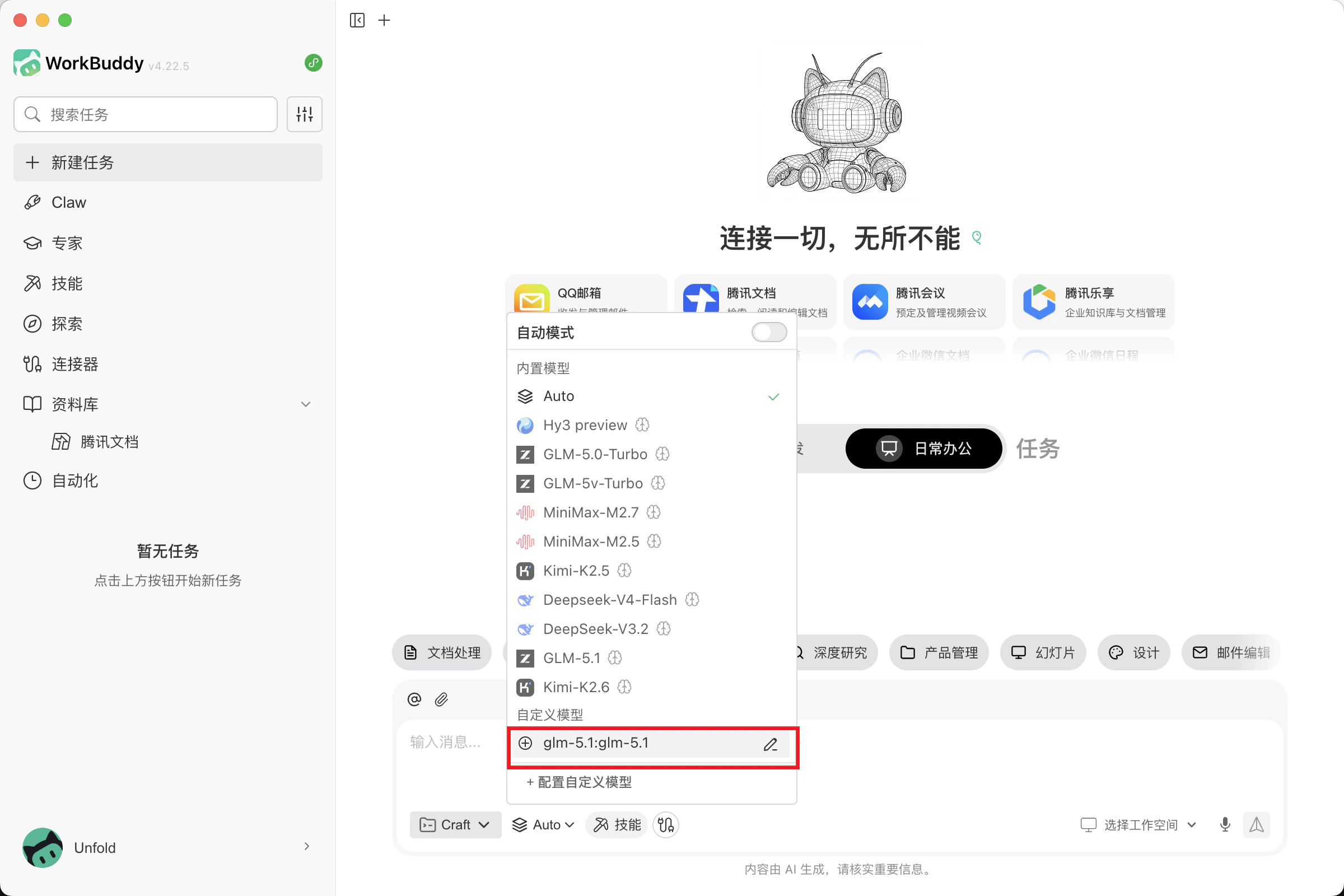
- Return to the main window and select the custom model you added to start using it.